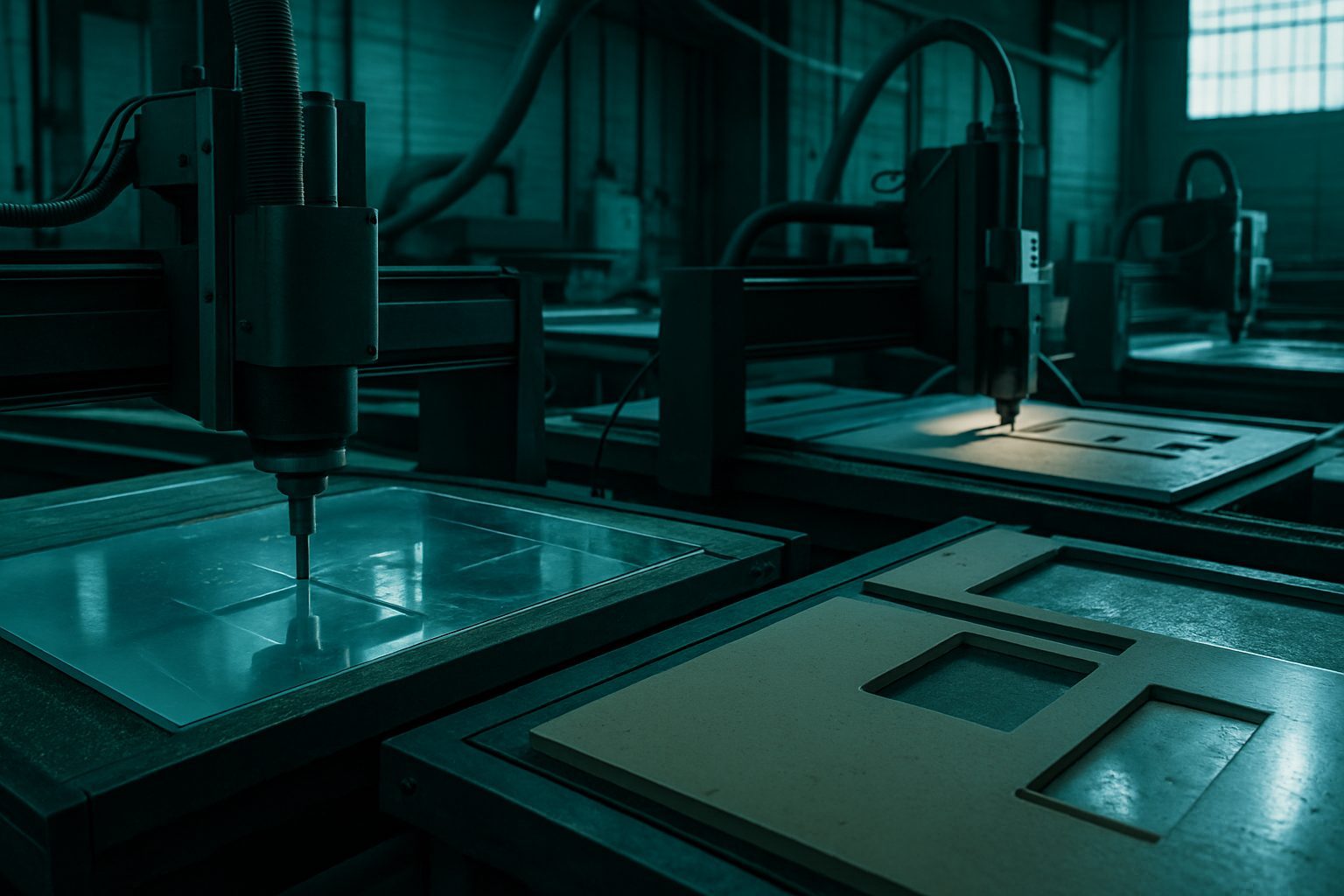
Machines
Every job on the floor has its own setup. Here we help you pick the right CNC machine bay for your material, part finish, and downstream process.
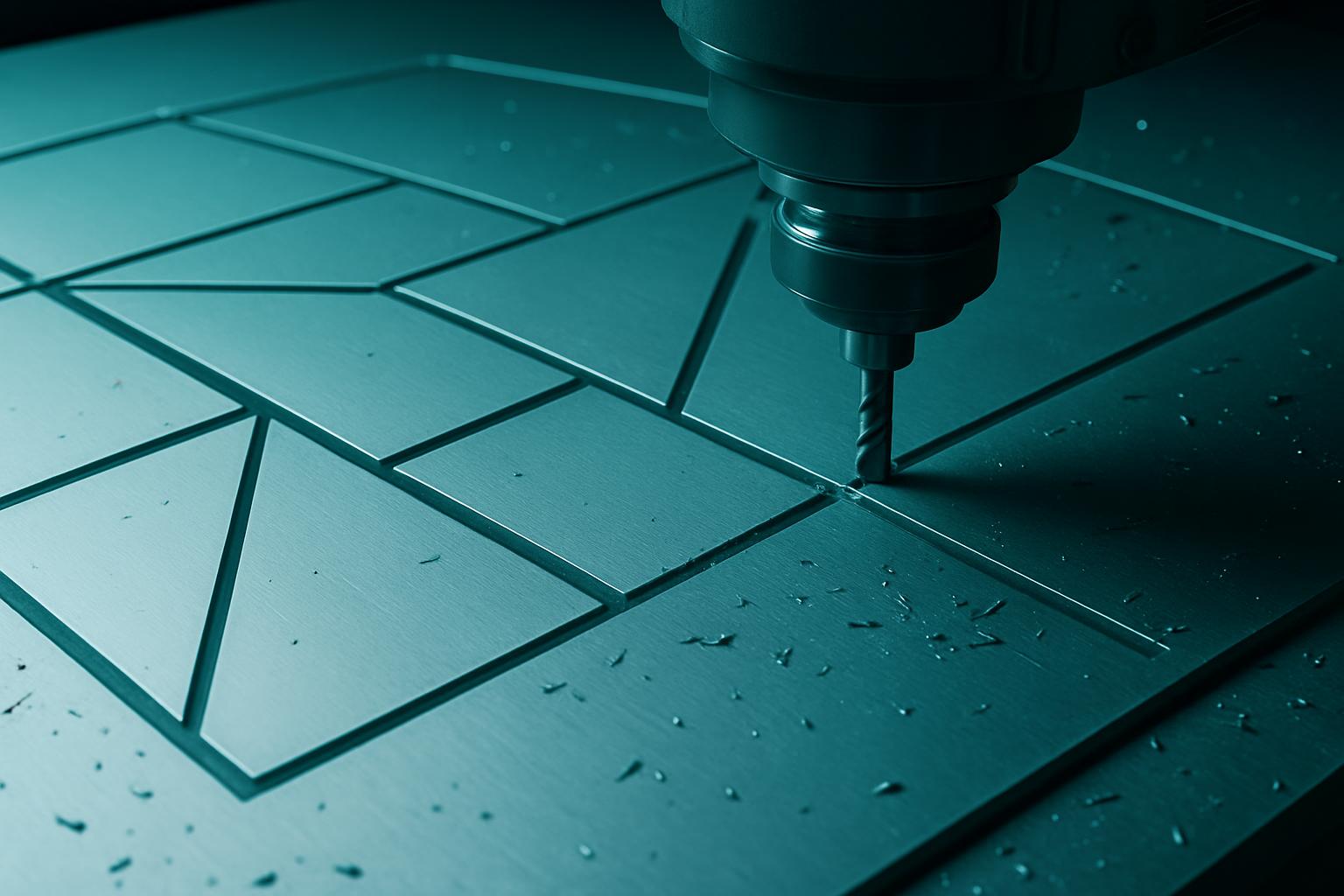
CNC sheet routing for aluminium, acrylic, and composite panels with repeatable kerf control.
Explore →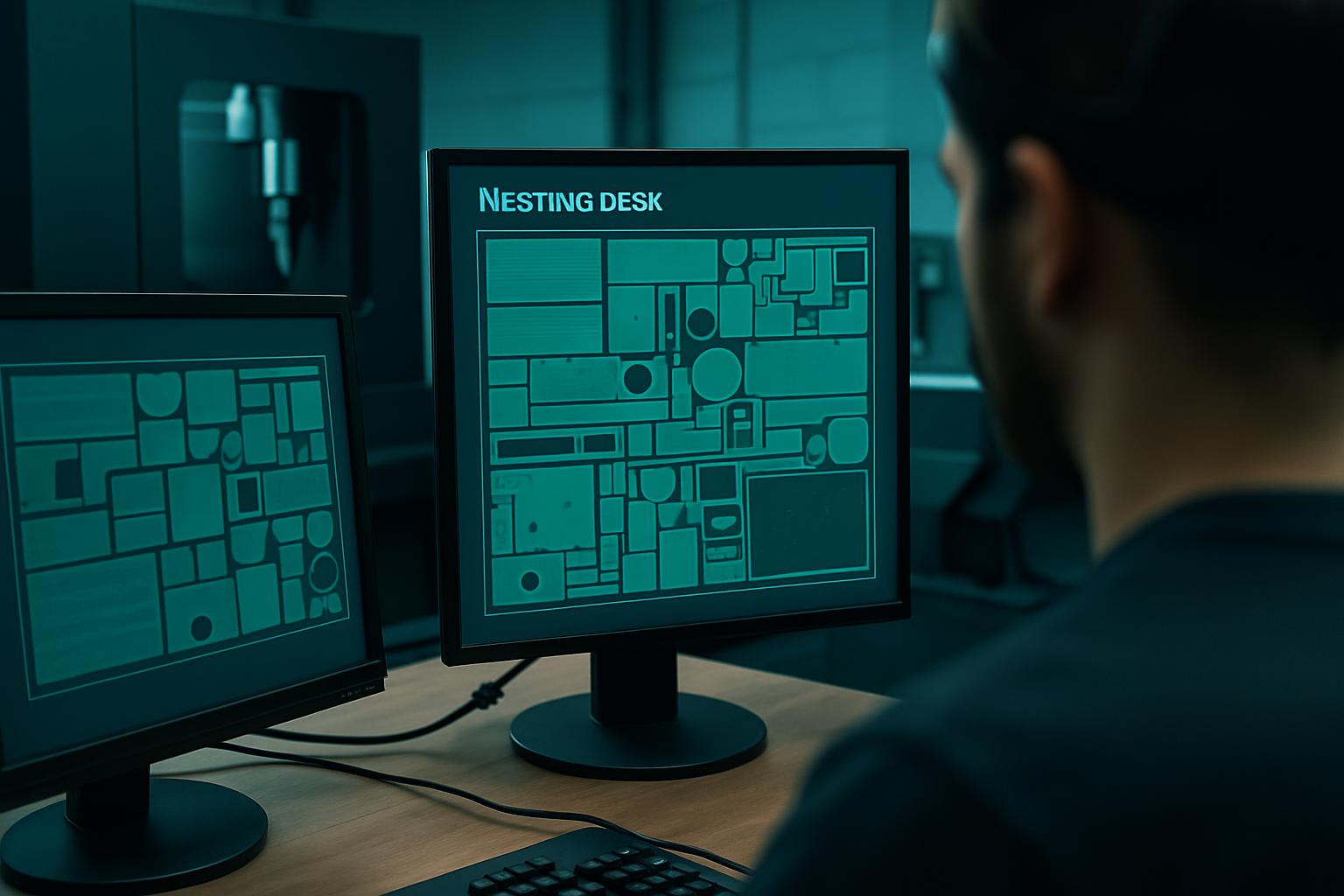
High-yield nesting set for mixed sheet SKUs, less scrap, clearer labels.
Explore →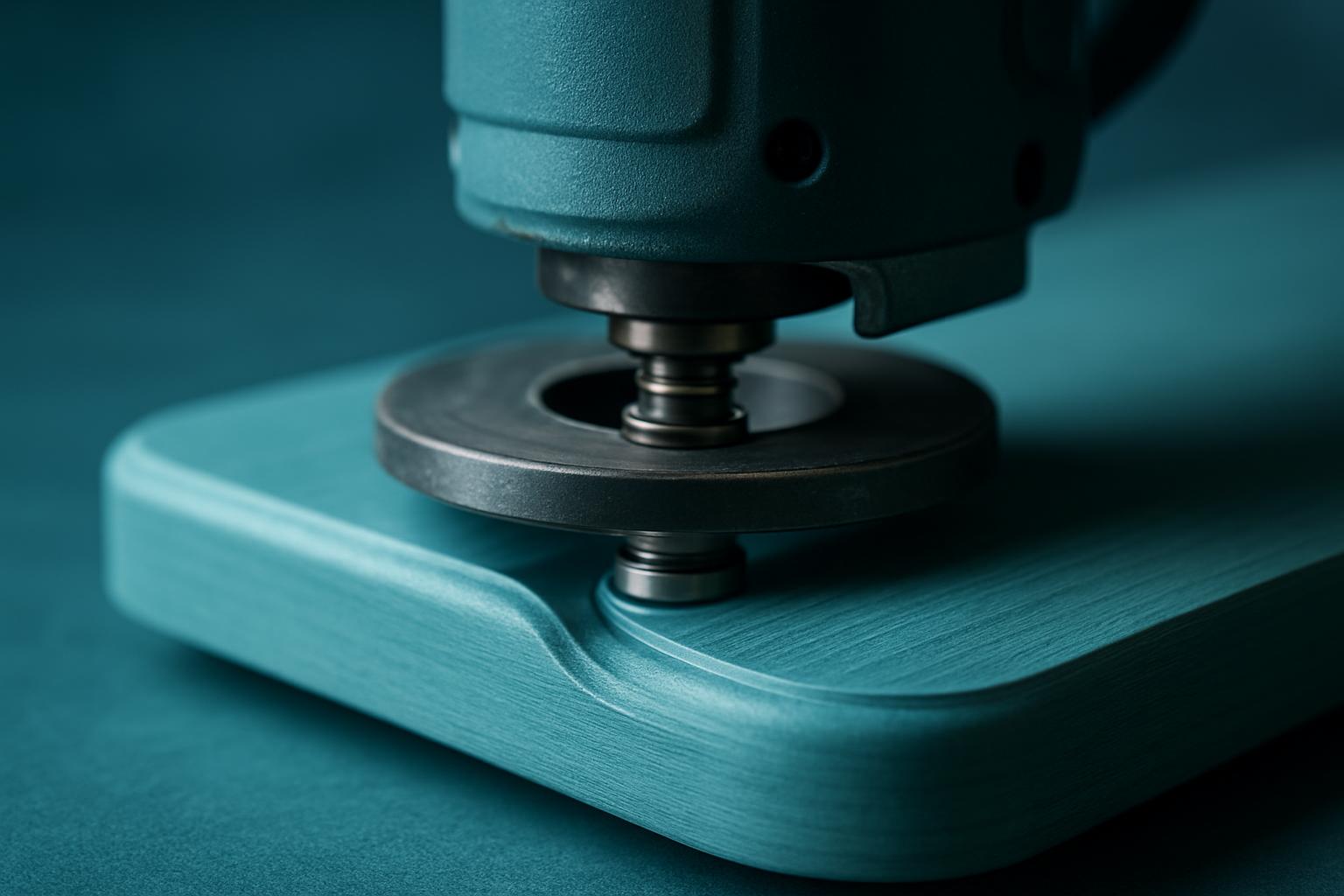
Edge profiling for radius, chamfer, and decorative profiles on furniture and shopfitting parts.
Explore →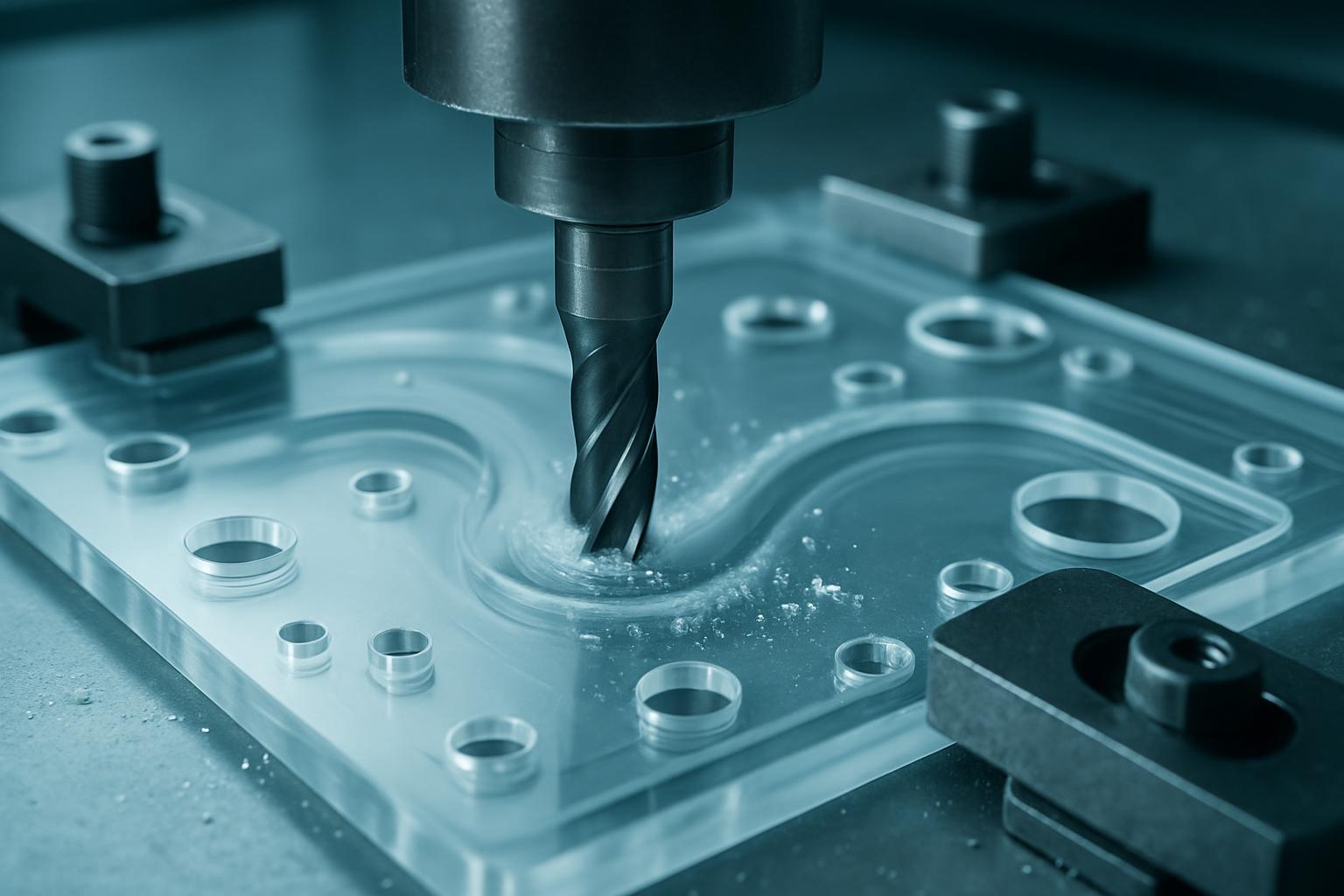
Flame-polish ready acrylic cutting with soft fixtures that leave faces unscuffed.
Explore →
Plate routing for brackets, heat sinks, and light structural parts from 5083 / 6082 plate.
Explore →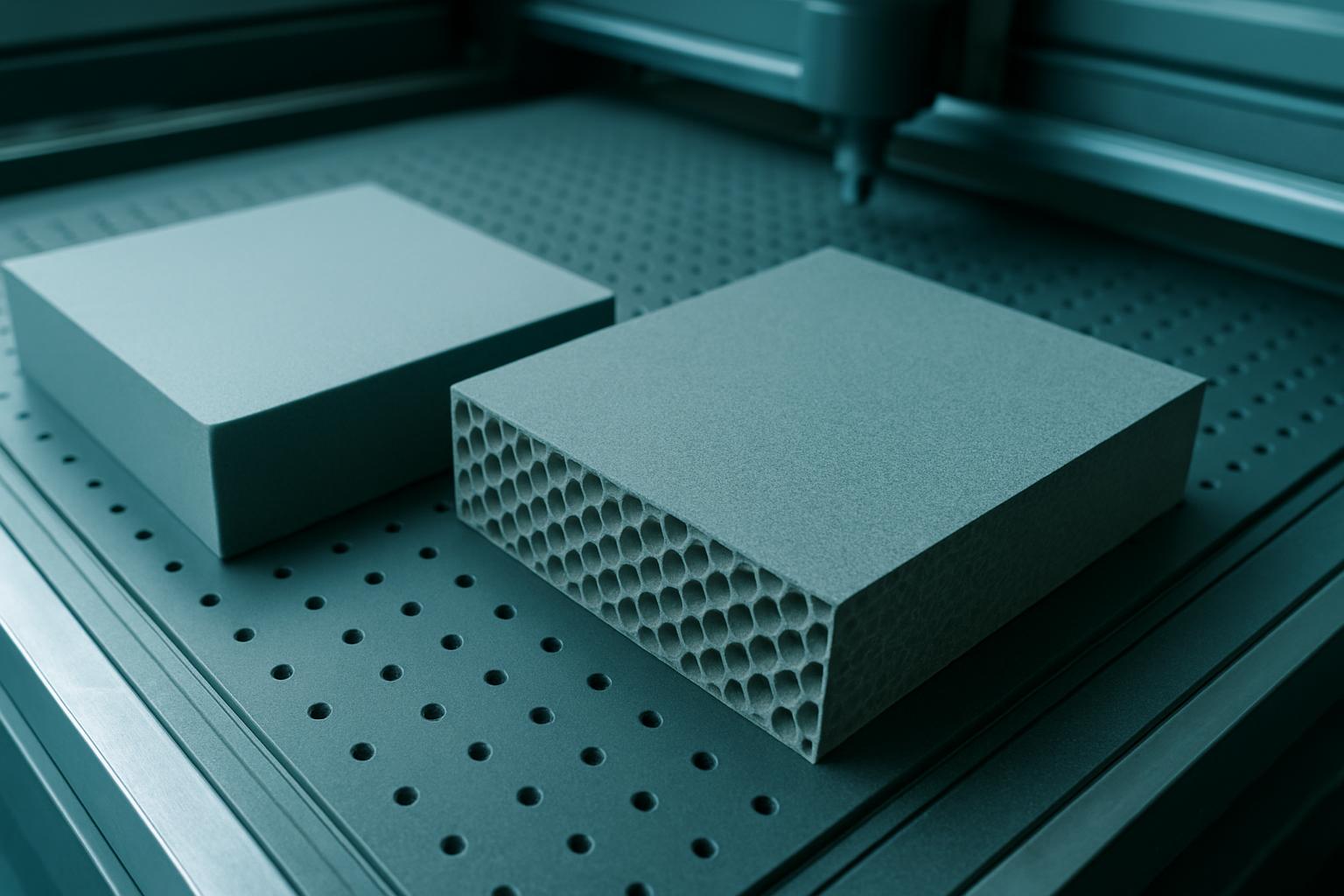
Foam, honeycomb, and sandwich-core nesting for exhibition and staging builds.
Explore →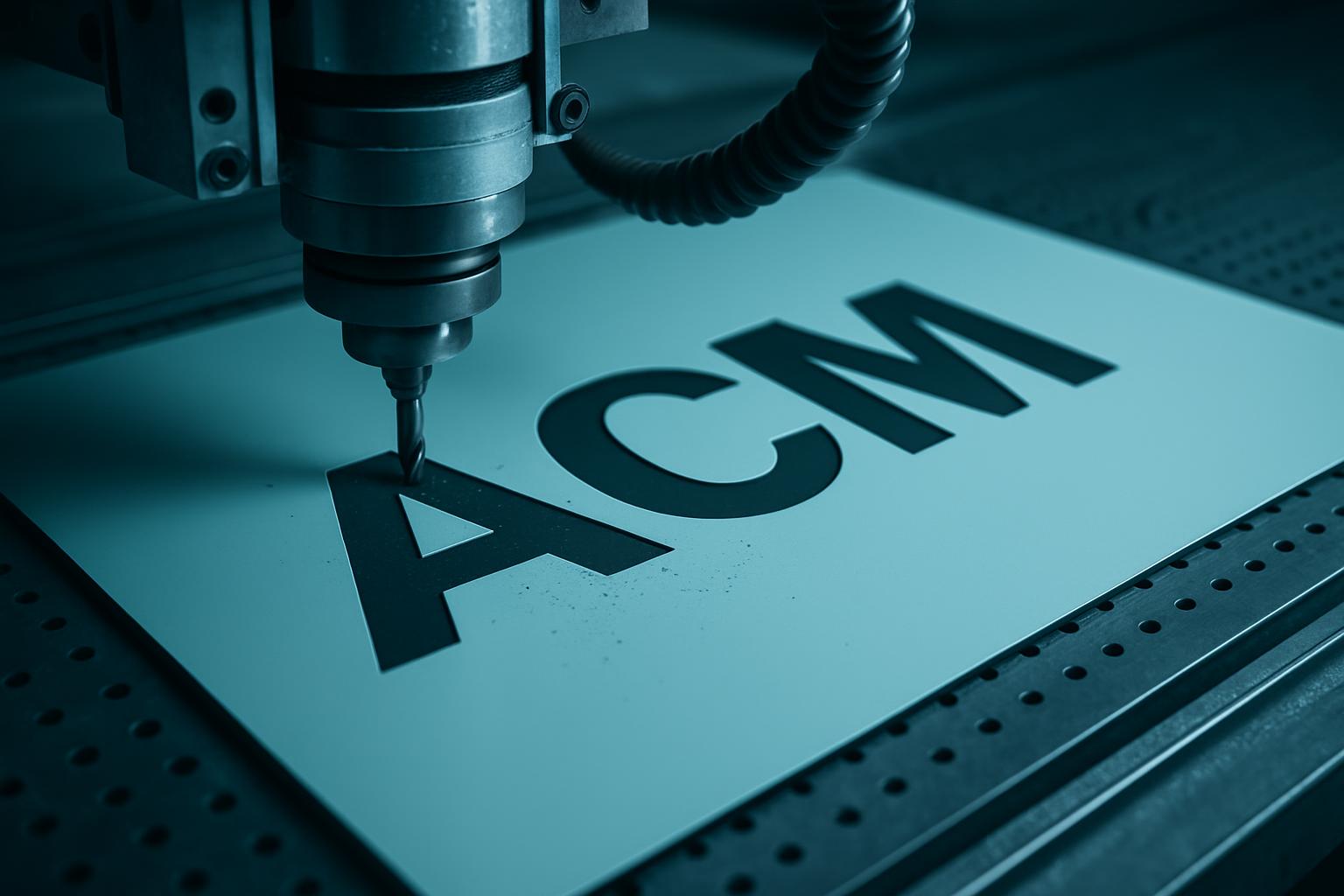
Board profiling for ACM, PVC foam, and timber sign faces with letter nesting.
Explore →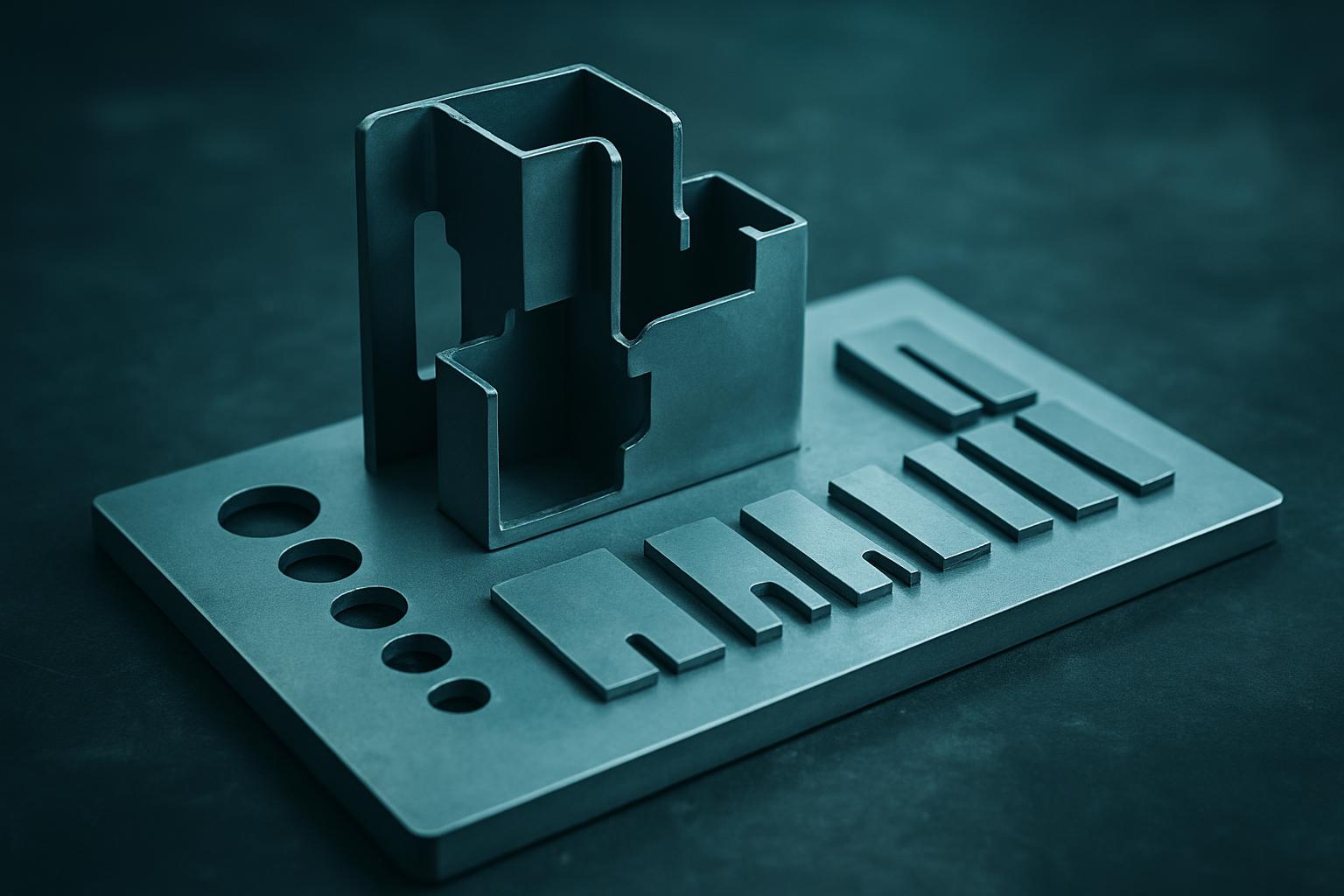
Fast-turn sample bay for fit checks, jigs, and the first confident production nest.
Explore →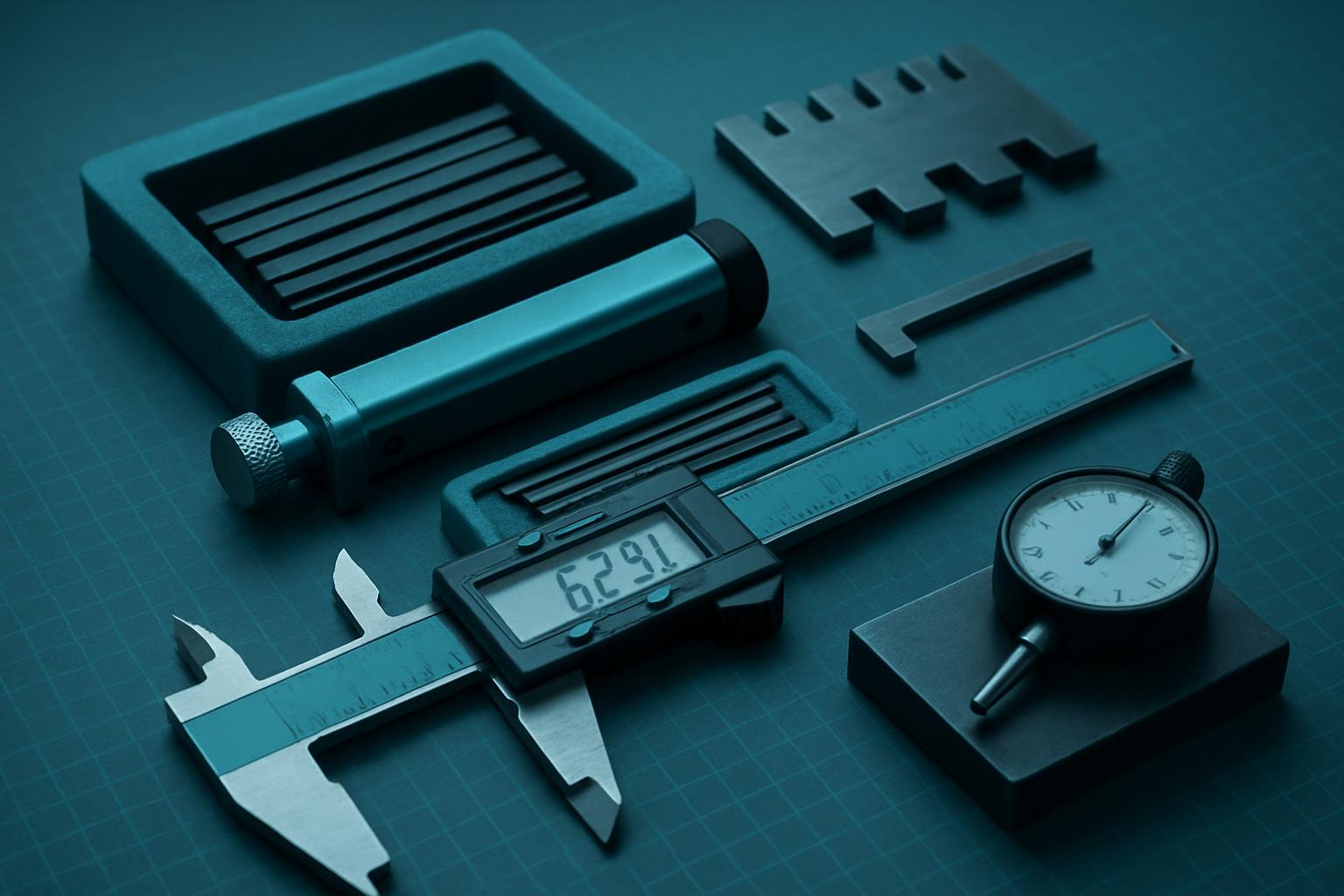
Kerf coupons, calliper kits, and nest reports so cutting stays within drawing intent.
Explore →
Zoned vacuum fixtures and soft pads that hold sheet without scuffing faces.
Explore →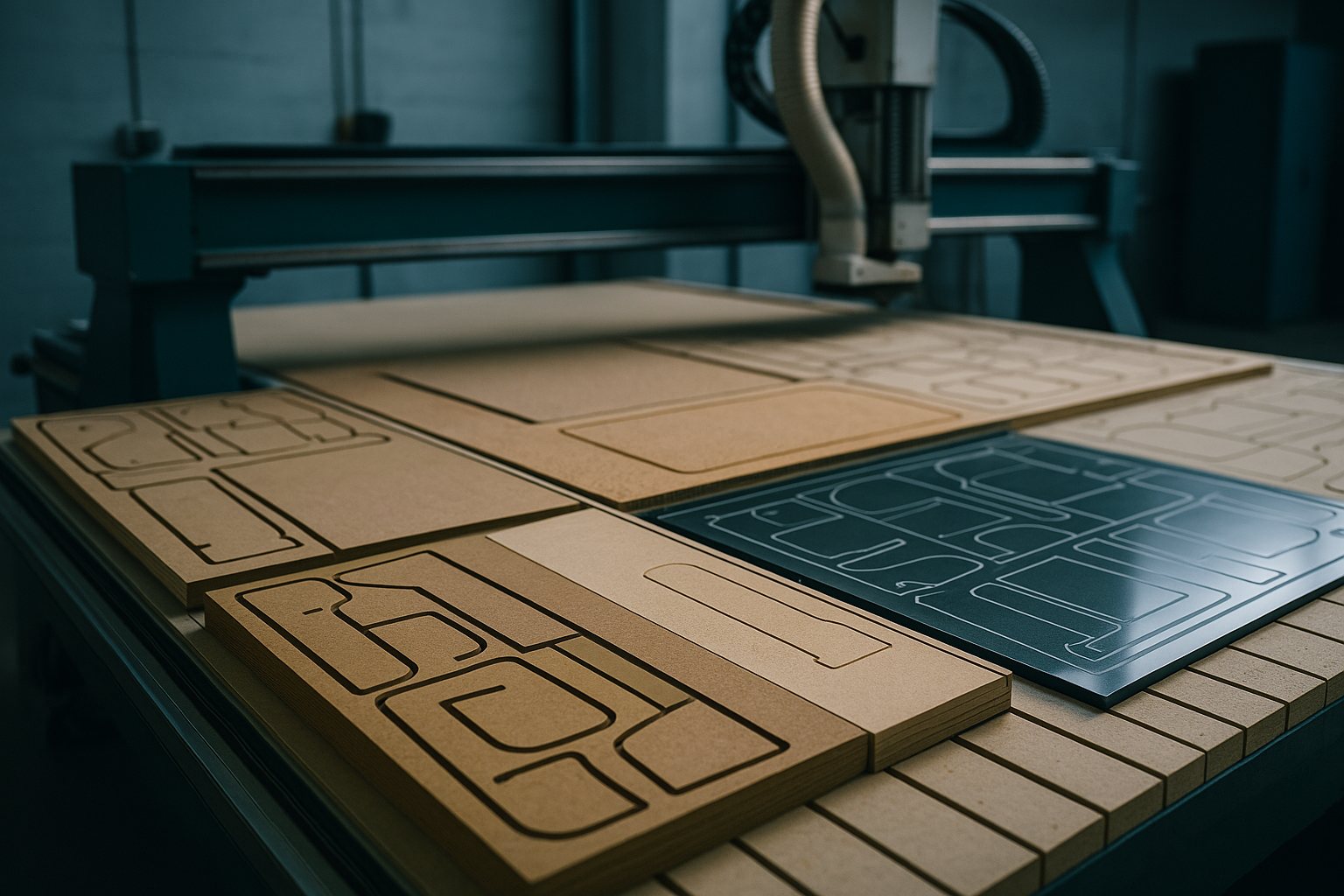
Batch nesting across mixed sheet thicknesses with remnant carry-forward.
Explore →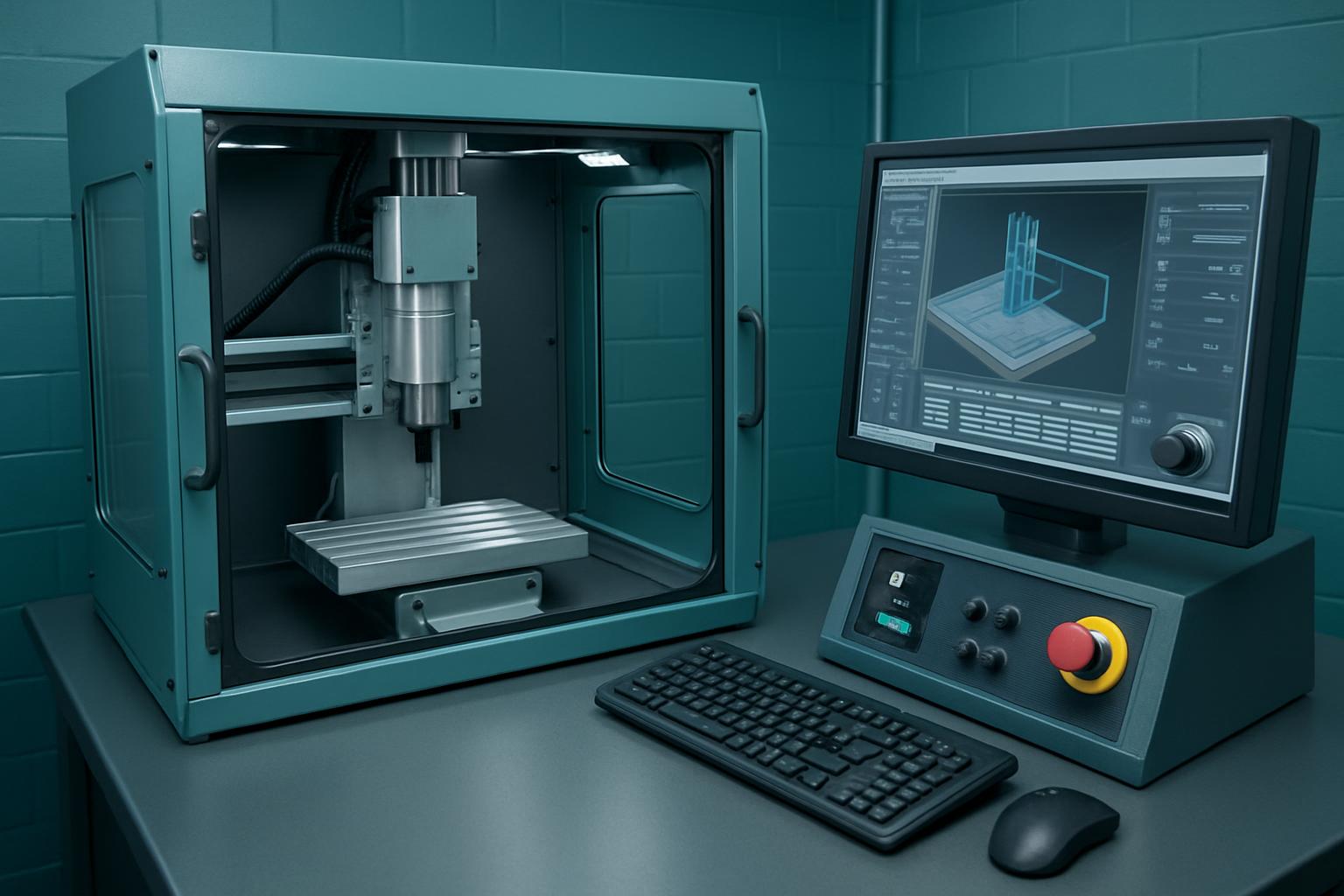
Compact CNC bay for education workshops and small production cells.
Explore →Signage leans signage & façades. Furniture leans ProfileEdge Router. Proof pieces start at Prototype Cut Bay.
Read the blog on nesting before you cut before you release a night queue.
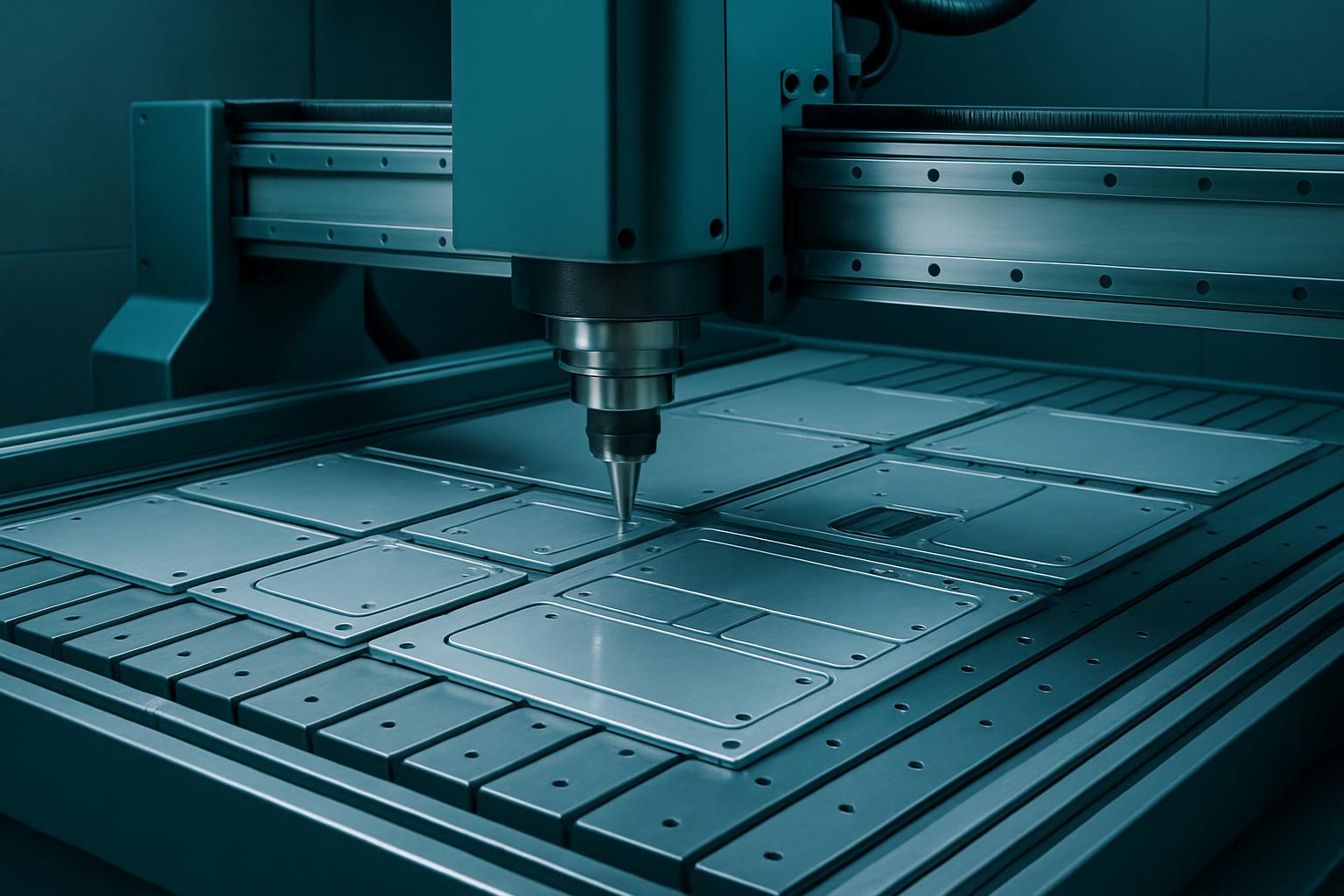
Explore the full line-up of CNC machine bays at Cut2Shape, built for South African manufacturers, fabricators, and makers. From the Precision Sheet Router for repeatable aluminium cutting to AcrylicClear Cut where flame-polished edges are the norm, each bay is set up for specific materials and finishes. Workshop owners, production teams and buyers can match their drawings to the right machine, check which bay handles their stock, and see where each part is handed off clean and ready for the next step. We handle aluminium, acrylic, foam, sign board, timber, and combinations with the finish and turnaround you need. Our team gets your files on the right spindle so you avoid rework and wasted time.
Fabricators, shopfitters, sign installers, exhibition builders, and light industrial teams all move through our machine bays. The NestCut CNC Panel is built for volume jobs using mixed sheet SKUs, where the goal is less scrap and more clarity in part labelling. The ProfileEdge Router suits furniture makers who need tight radii and chamfers on panels. Acrylic signage specialists prefer AcrylicClear Cut for clean, unscuffed faces. If you cut brackets and heat sinks from 5083 or 6082, the Aluminium Plate Bay is our go-to. Schools and skills programmes often book the Workshop Compact bay for introductory runs and hands-on learning.
Choice depends on material, required edge finish, batch size and any post-processing you plan. Start by thinking about your sheet stock and the drawing spec. For aluminium plate, use the Aluminium Plate Bay; for high-yield nesting and mixed stock, go NestCut CNC Panel. Decorative and functional profiles are a fit for the ProfileEdge Router. If you need a ready-to-bond acrylic panel with no reworking of faces, AcrylicClear Cut is ready. For foam displays and exhibition honeycomb, see FoamCore Nest. High runs across sheet thicknesses will work best on MultiSheet Nest. If you’re unsure, start with the Prototype Cut Bay and move to production once you check fit and accuracy.
A few missteps slow down parts or add costs nobody wants. A frequent error is choosing a bay by price or lead time only, rather than thinking through the finish and fit needed at assembly. For example, running acrylic through a standard router instead of AcrylicClear Cut can leave flame polishing impossible. Mixing up signboard and foam nesting can also waste material and mess with label accuracy. Some teams send drawings without kerf details or forget that edge profiling (chamfers, rounds) may need a second pass on ProfileEdge Router or the right fixture. Always check which VacuumHold Fixture or clamping is used for your material. If you need metrology for critical fits, use KerfCheck Lab to confirm cutting stays within tolerance.
If you’re lining up a production run for shopfitting, a test batch for a new fixture, or monthly aluminium parts, start by checking which machine family suits your material and downstream process. Use the links to see details for each bay, like SignBoard Profiler for ACM or PVC foam, or Workshop Compact for skills programmes and small runs. Unsure about nesting, fixture or metrology? Send your drawings, specs or even a quick sketch through our contact form and we’ll get back to you within a workday. For practical examples and tips from the floor, see our Blog or Projects.