
Batch nesting
Batch nesting across mixed sheet thicknesses is straightforward once you identify your main constraint. Here, we show which machine will match your production needs, along with key checks to make before placing an order.
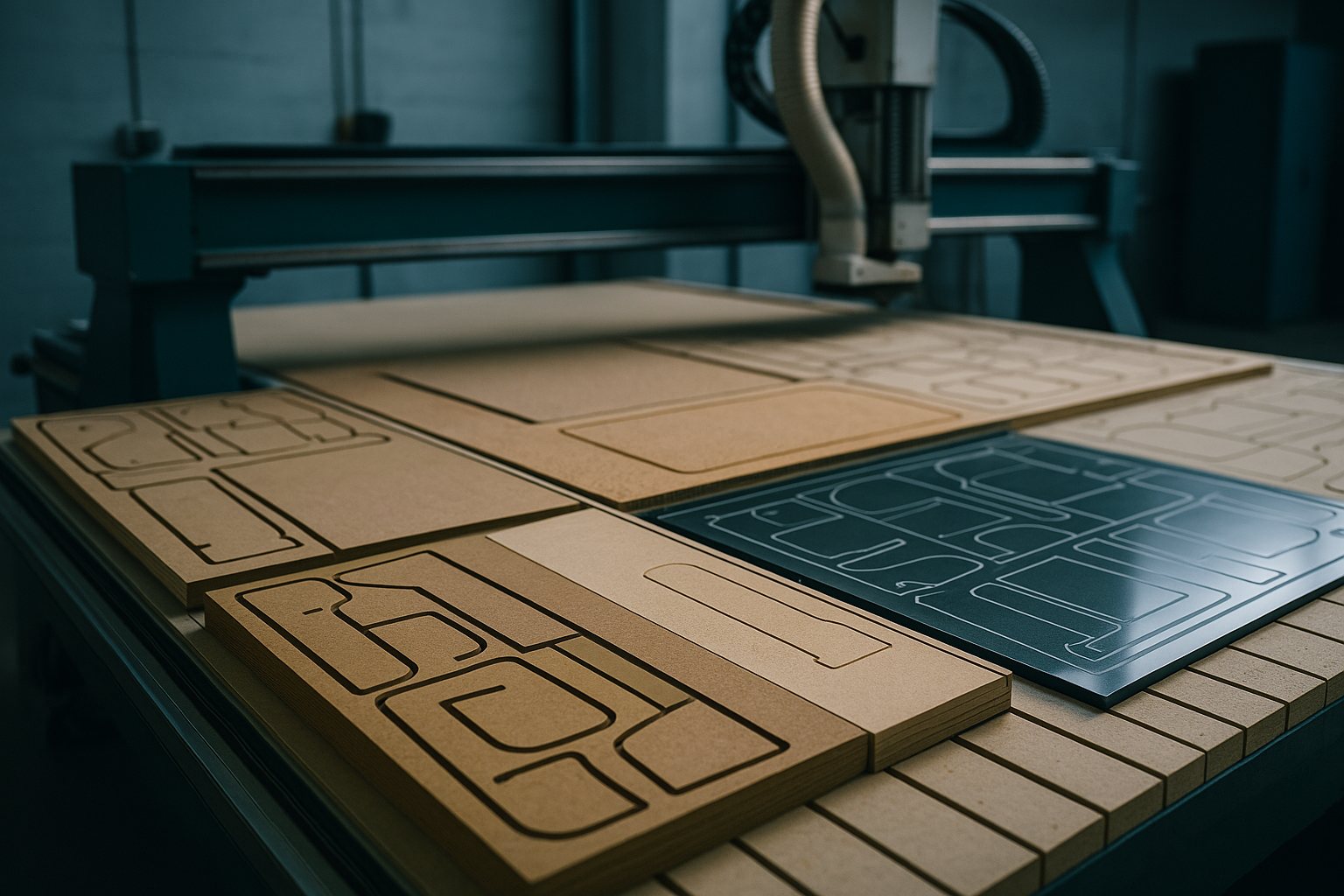
A common challenge in busy workshops is keeping remnant racks in order when cutting batches from mixed thickness sheets. For example, a Gauteng joinery team running a multi-shift programme found that unlabelled remnants quickly led to confusion, with usable offcuts lost or misallocated by the night crew. By adopting a simple rack labelling system and logging each remnant’s thickness and material type as it came off the MultiSheet Nest, they prevented mix-ups and cut down on wasted sheet.
Before starting any new batch, double-check that your remnant tracking method is clear to everyone on shift. Set aside five minutes at the end of each run to update the log and move leftovers to labelled lanes. This habit keeps the workflow smooth, especially when material supply is unpredictable or you are working through a window between outages.
Industries · Blog · Contact us
Mixed thickness jobs flood most nest engines. MultiSheet Nest carries remnants forward without chaos.
| Sheets | Mixed thickness |
|---|---|
| Remnants | Carry-forward |
| Lanes | Per thickness |
| Out | Labelled racks |
| Compat | NestCut CNC Panel |
MultiSheet Nest is built for South African teams cutting mixed thickness sheets who want a reliable pass to the next operation. It keeps batch jobs organised by carrying forward leftovers, offcuts, and remnants for reuse instead of waste. You will see direct comparisons with other Cut2Shape machines, guidance on when MultiSheet Nest excels, and common pitfalls to avoid. If you are running production rather than one-off jobs, these practical details will save both time and unnecessary costs.
Batch nesting means stacking multiple parts on each sheet, across varying thickness and grade. MultiSheet Nest is not only about speed, it is about reducing extra setup and avoiding that last-minute call for more materials during a run. Teams from Pretoria to Cape Town use it to stay ahead of deadlines, especially when the job spans several material types in a single order.
MultiSheet Nest is built for workshops, manufacturers, and fabricators who need a dependable mainline solution, not a prototype cutter. If your parts list spans different sheet sizes and offcuts are tracked for later use, this machine keeps the workflow steady. It suits sheetmetal and joinery teams in Gauteng handling alternating material supply, packaging makers in Durban planning multi-layer cuts, or Gqeberha workshops lining up production batches that cannot stop for manual interventions.
If your jobs often require re-nesting remnants or you want to minimise overtime, MultiSheet Nest gives better control. Teams who rely on predictable handoff between shifts or suppliers will find the documentation and settings log helpful. Where silent operation, tight footprints, or specialist routing are your main ask, Precision Sheet Router or FoamCore Nest might fit better.
Choosing the right batch nesting machine comes down to knowing your real constraint. If noise, dust control, or specialty material handling matter, compare MultiSheet Nest to alternatives like Aluminium Plate Bay for marine grade jobs or AcrylicClear Cut for clean edge finishing. Busy teams often under-brief the jobs, forgetting to note what restricts their production window. That is when a strike window slips, overtime racks up, or you double up on delivery runs.
Do not force a fit for your workflow just because a machine can run the job. If you are cutting signboard stacks, SignBoard Profiler is often more efficient. For panel routing with complicated holding needs, VacuumHold Fixture gives more control. Each profile has its best fit, writing down your primary restriction focuses the choice. If unsure, email photos and your timing window through our contact form before you commit tooling or materials.
Most cost overruns start with unclear setup notes or skipping the constraint mapping step. When teams do not write down the main restriction, whether it is time, labour, or material, they often run into overtime, remakes, or mismatched batch sizes. In Pretoria, rushed jobs tend to skip support contact and hit snags in the second shift. Highveld and coastal teams know how quickly power cuts or humidity can throw a setup off. Recording your job’s constraint, and forwarding it with your brief, puts you ahead of most avoidable errors.
We suggest reading both a machine’s technical outline and a project note before you order. Field stories and specs together tell the real picture. Our team keeps a log of what held up similar jobs before, dates, the main constraint, and a one-line fix. This routine helps us avoid old mistakes and keeps your new job on track.
If MultiSheet Nest sounds right for your work, explore further through MultiSheet Nest nesting & fixtures, service notes, and the specifications section. For jobs outside the default programme, view the full range of machines or scan the Industries page to see which applications match your brief.
For a try-on, spec check, or to share your constraint, send a message through our contact form with your photos and batch details. Most weeks, you can also visit the Isando nest bay if you prefer to see a run first.
Verified Google reviews