Edge profiling
A practical guide to selecting and briefing ProfileEdge Router work, radius, chamfer, or detail edges, without running into surprise costs or project delays.
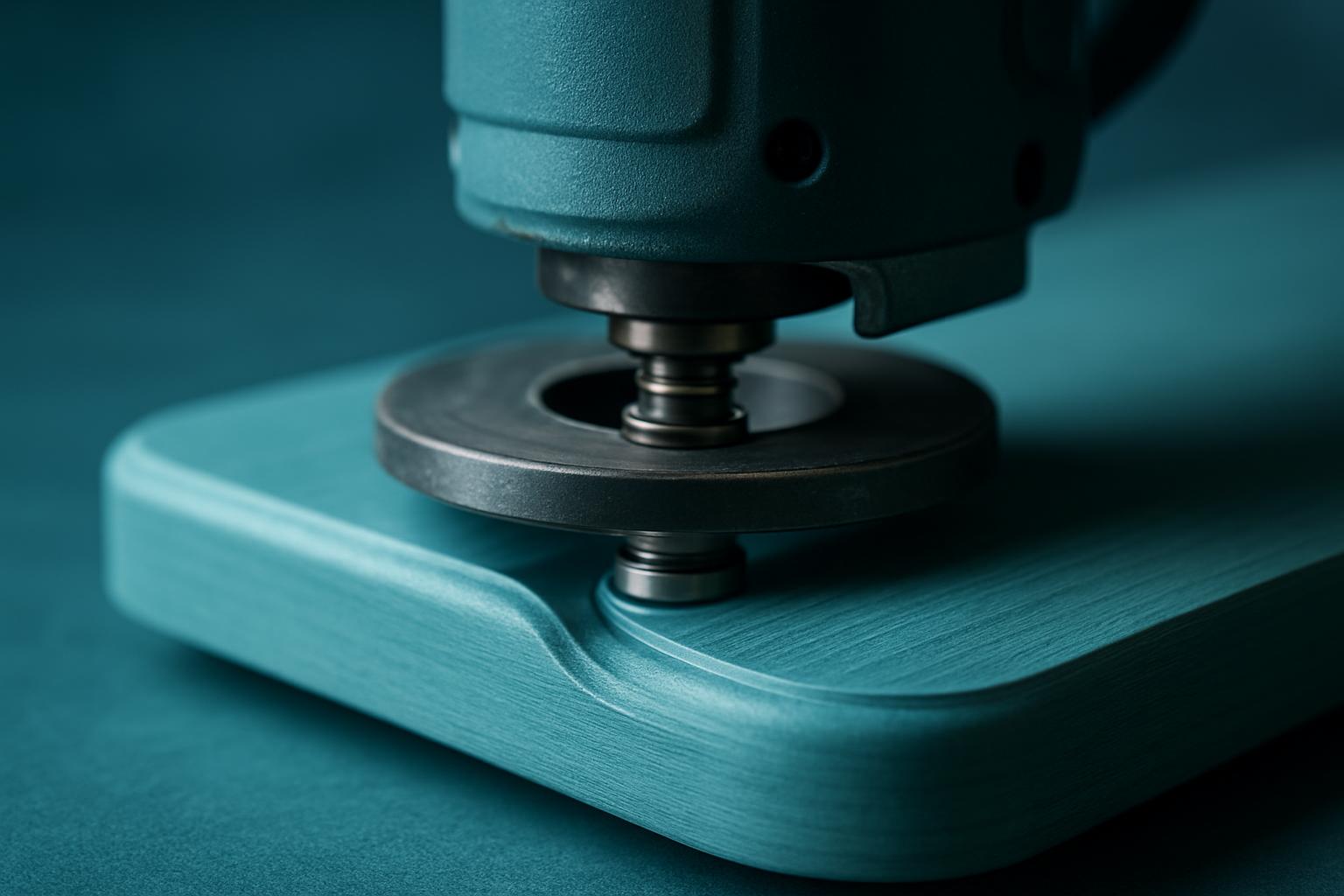
Picture a cabinet shop in Joburg prepping MDF panels for a retail fitout. The team uses ProfileEdge Router to radius both faces of each panel before sending them to paint. The morning shift sets up the profile and logs the feed rate and bit height on the order sheet. When the next shift takes over, they check the notes, confirm the probe reference, and run a quick test cut on scrap. This habit means no guessing, even if the operator changes, and the finish stays consistent batch after batch.
A common mistake is skipping the test cut, especially after a tool change or when humidity’s up after rain on the Highveld. If you run a fresh check each time, you catch chatter or burn marks before they hit twenty panels. It’s a quick routine that saves hours and keeps costs in check.
Furniture lines fail when edges wander. ProfileEdge keeps radius and chamfer recipes locked per SKU.
| Profiles | Radius / chamfer / ogee |
|---|---|
| Probe | Edge follow |
| Spindle | ATC |
| Feed | Material-aware |
| Use | Furniture & shopfit |
The ProfileEdge Router gives teams a ready solution for consistent edge profiles on furniture panels, joinery components, and shopfitting sections. This unit handles the radius, chamfer, quarter-round, or more decorative profiles that often define the visual sharpness and safety of finished parts. You’ll find it used for jobs where hand sanding or manual router tables just chew up time and introduce variation. Most benches using ProfileEdge Router want a dependable, repeatable process with documented setups and no guesswork handed over to the next shift.
From a factory in Worcester to a custom cabinetmaker in Midrand or a shopfitting team on the Bluff, the need is the same: clear profile results with no extra bench time. The focus here is on the practical, not on demo tricks or factory tour impressions.
If you’re a workshop buyer, production lead or owner-operator in charge of prepping parts for fit and finish, ProfileEdge Router helps you get edges right with no wasted steps. When you’re weighing up options against other routers, like NestCut CNC Panel or Precision Sheet Router, you’ll spot quickly that ProfileEdge is built for controlled edge finishing in a single pass, not for bulk cutting or panel nesting. Prototypers and short-run furniture makers who want reliable, shift-to-shift handover rely on this approach to keep work moving with no guesswork.
Teams managing variable staff or working with municipal contract specs (think Cape Town or Bloemfontein joinery contracts) rely on this unit for consistent output, regardless of who is running the shift. If you’re just after a multi-purpose machine for everything from signage to bus shelter panels, you’ll want to consider other bays or read through the machines index first.
Not every profile or part is best suited to this router. The main strengths are edge routing, repeatable profiles, and fast handoff to finishing or assembly. If you need intricate pocketing, high-speed nesting, or large-format sheets, you should look at NestCut CNC Panel or Prototype Cut Bay. For aluminium section work, Aluminium Plate Bay is more appropriate.
Always start by listing your core constraints: edge shape, run length, and material type. A constraint list stops the usual mistake of forcing a job through the wrong workflow, saving days and avoiding those rush charges or repeat visits. You can also check ProfileEdge Router specifications and matching service notes before you decide.
Most wasted time and cost comes from missing constraints, vague handoffs, or copying last year’s plan without a real check. Our team sees it too often: a buyer forces a panel through ProfileEdge because it’s the default, but it’s really a nesting cut or it needs a specialty fixture. Document the profile, the city or site, and your timing window. Instead of a generic spec, send two site photos and a constraint list. We treat ProfileEdge Router as a specific operating set with clear handoff, never a jack-of-all-trades.
Teams that skip clear notes often pay with emergency overtime or rework. If you’re unsure, skim a recent project story or review an article in the blog to see how we document setups, handoff notes, and what worked last time. Avoid the trap of hoping a single machine will cover oddball edge cases, matching the machine to your actual brief is always faster in the long run.
We send clear setup, fixture, and feed notes with every order, so your team knows what’s running, what needs prepping, and what settings to use next shift. If you want to see the unit live, a try-on or demonstration at the Isando nest bay is usually available, just send a message through our contact form to arrange a slot. For most jobs, two photos and your preferred timing window are enough for us to start practical advice.
If your job involves tricky handoffs, unusual weather exposure (like Highveld dust or KwaZulu-Natal humidity), or municipal paperwork, let us know up front. We keep a short internal note on each brief’s last snag, so your project doesn’t repeat the same trip-up.
Verified Google reviews