
Resources
Find practical guides, templates and checklists to help your workshop keep parts moving. The resources here help SA teams prepare files, keep track of kerf and manage every shift.

Pre-flight checklist before you release a nest.
Open →
Units, layers, and closed paths for SA shops.
Open →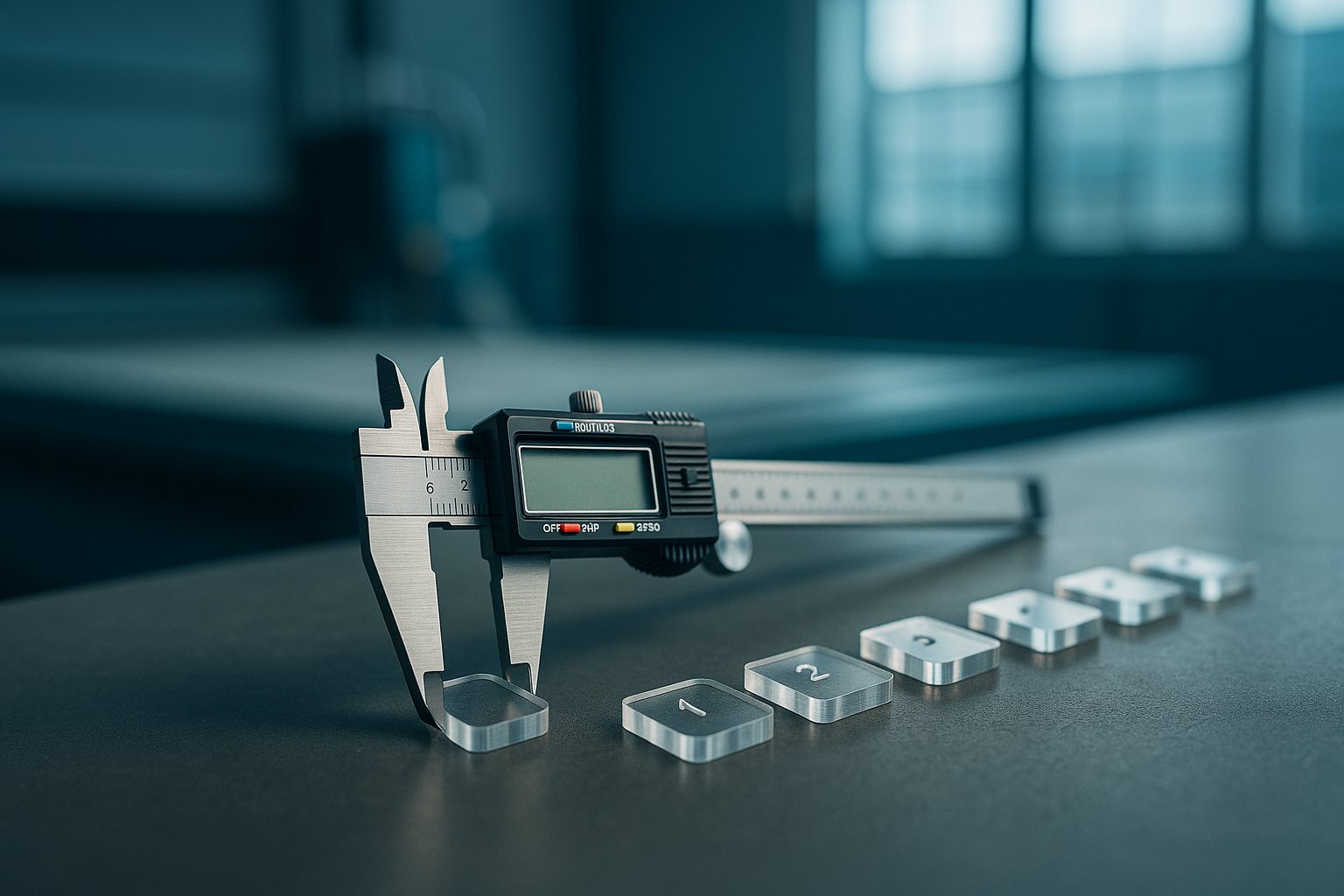
Shift coupon log you can print or CSV.
Open →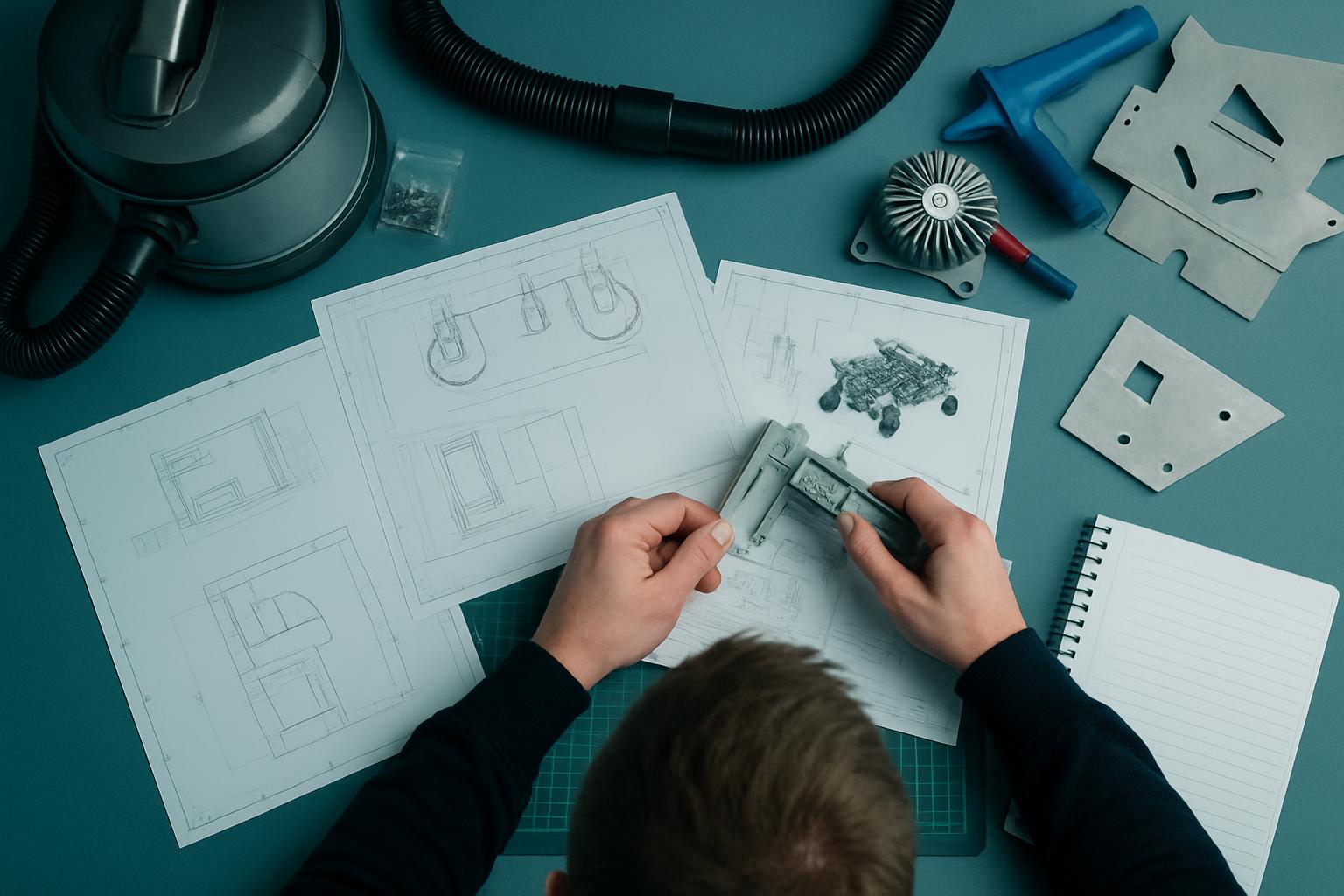
How to zone beds for mixed part sizes.
Open →
What to cut when a new sheet batch arrives.
Open →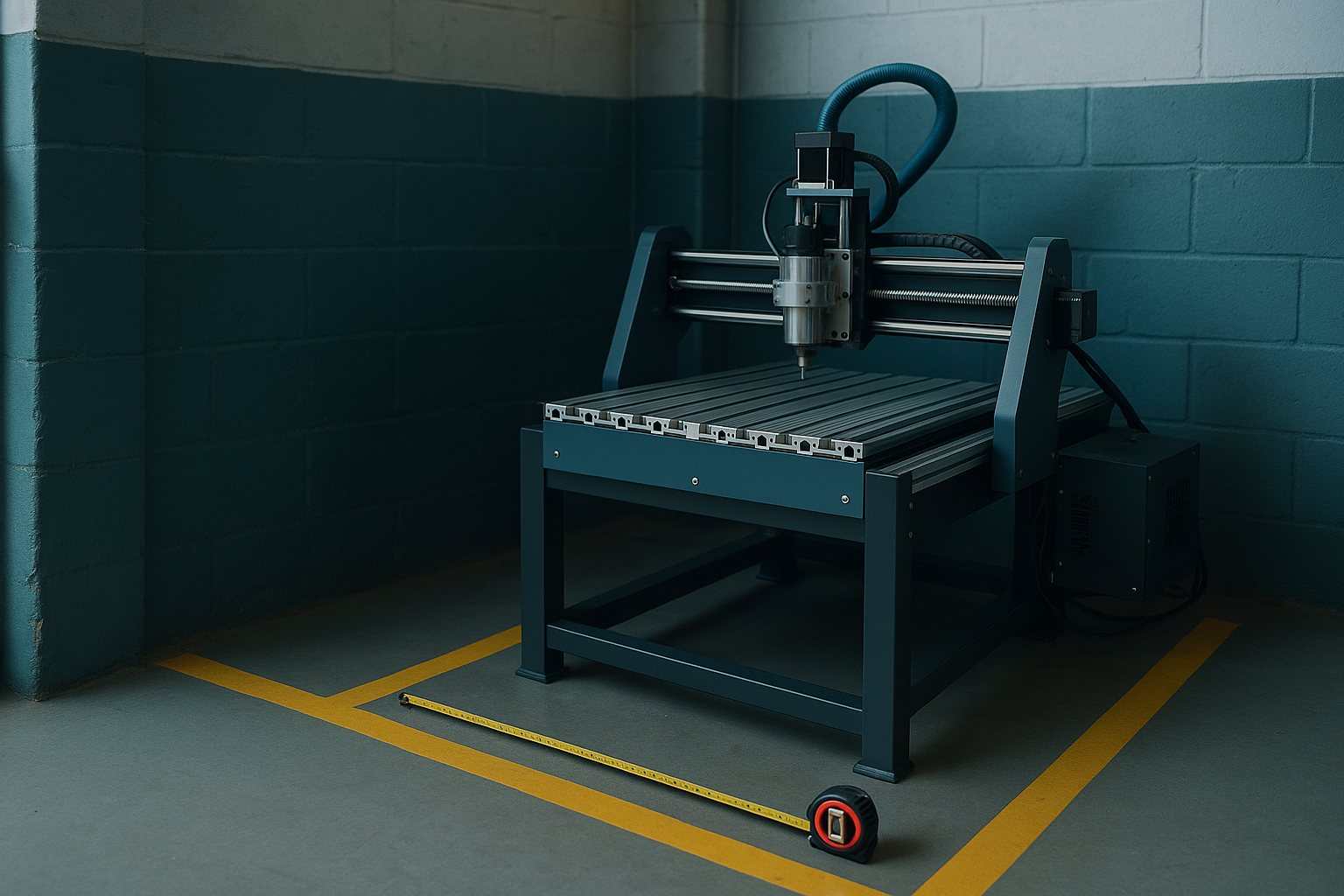
Workshop Compact clearances and power notes.
Open →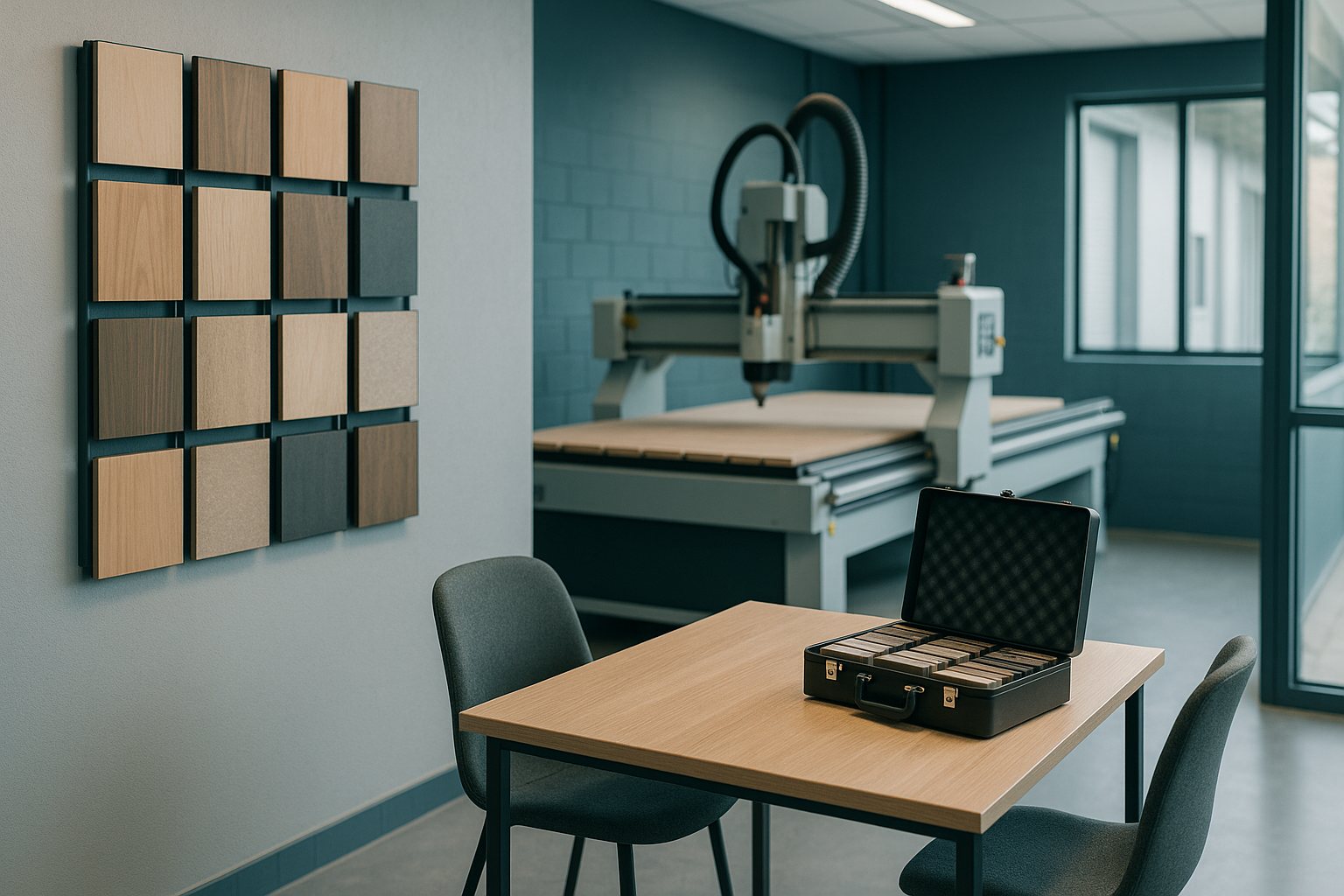
What to bring to a regional demo.
Open →
How proof pieces travel with kerf reports.
Open →
Common questions from SA sheet workshops.
Open →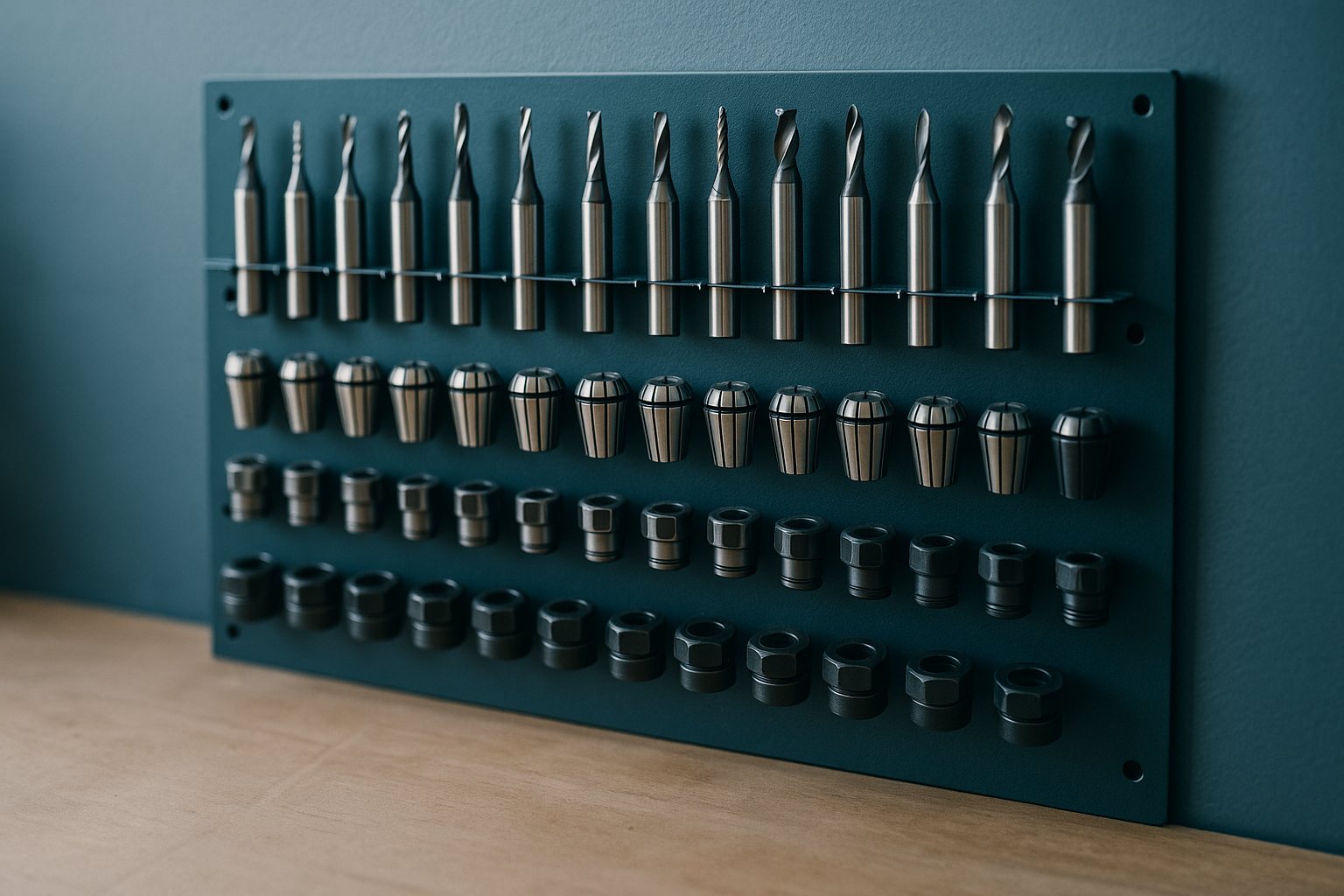
Starter bits for acrylic, ACM, and MDF.
Open →
Printable labels for remnant racks.
Open →
Queue habits when power windows shrink.
Open →Every shift, South African workshop teams face lost hours from missing specs, incomplete file prep, or having to repeat the same setup instructions. Our guides are built for makers, fabricators and production managers who want to keep their bays running smoothly and avoid unnecessary rework. Each tool is tuned for real South African workshop conditions, whether you are logging cuts for job costing, tracking offcuts on packed racks, or planning around outages or power cuts. Our nest checklist, DXF hygiene guide, kerf log template and compact bay footprint all come directly from the shop floor. These are the same checklists and templates our operators use to get clear handoffs and fewer mistakes, whether you are cutting in Germiston, Gqeberha or Durban.
Each resource is designed for hands-on use at the CNC, the bench or in planning. CNC operators and shift foremen use these guides to catch errors before they cause overtime or wasted sheets. Owners use the logs and labels to speed up job tracking and invoicing. If your team checks nests before release, fixes file units, or manages remnant racks, you will find a guide here that fits. The power queue card helps shops keep priorities clear during Eskom outages or municipal faults. Bay planners and those fitting out new workshops use the compact bay footprint to plan benches, power points and clearances, especially when space or mains access is tight.
Start by asking where your hold-ups usually begin. If you see repeated problems at the file handoff stage, the DXF hygiene guide is the place to begin. For lost material and unclear job costing, use the kerf log template and the material coupon pack to standardise shift tracking. The vacuum zone map is especially useful on nested beds where part sizes vary and vacuum loss leads to dropped parts or rework. Shops with tight footprints or on shared industrial stands will want the compact bay footprint to avoid tripping over cables or crowding out new gear.
For teams shipping proof pieces or managing returns, the shipping samples guide explains how we document kerf and send out test cuts, ensuring your client or inspector sees accurate, labelled samples. If you are working with a new material or supplier batch, the material coupon pack helps you run small test cuts to check for resin spots, surface pitting or lamination issues before you commit a full nest.
Many teams still rely on generic checklists or old spreadsheets and overlook details specific to South African production. One common mistake is mixing metric and imperial units in DXF files, which can result in parts cut at the wrong scale. Skipping the nest pre-flight checklist leads to double cuts, missed layers or incomplete profiling. Failing to update kerf logs with every tool change or shift handover throws off job costing and can leave you short on material. Small shops can easily underestimate the power, clearance or dust control their bay layout needs, especially in older buildings or areas with frequent outages or power reduction.
To avoid these headaches, download and print the relevant guides before your next project. Walk your team through the steps and update your old templates. If you are unsure which resource is right for your bay or material, send a message through our contact form with your scenario. Include details about your machine, materials and shifts so we can point you to the most useful guides.
Missing labels on remnant racks lead to extra waste and time lost sorting through odd offcuts. Start every new rack with the remnant label sheet and keep a few spares printed and on hand for busy production weeks. Skipping showroom preparation is another common pitfall, so check the showroom booking notes before your next demo or factory visit, especially if you want to test your samples on our floor.
South African CNC and cutting floors face more than just technical curveballs: shifting loads from Eskom, humidity swings from Highveld to Durban, delays at the goods entrance, or routine stops for SARS paperwork. The resources here are built for those realities. Logs are ready for print or digital use, whether you prefer pen and clipboard or CSV on a shared PC. Our team has worked in Gauteng dust, coastal bays and inner-city workshops, so we know how a good checklist or plan saves both time and materials. No matter your industry, from signmaking to joinery to automotive parts, these guides can be adapted to fit odd shift patterns or tight floors.
We refresh these resources most months as jobs and materials change, so check back for updates. If your team has a specific scenario not covered, such as prepping custom material, odd offcut tracking or complex zone mapping, send a message through our contact form. Our operators and planners are ready to share tips tested on local machines and in South African weather.