
Nesting hub
Get practical with the NestCut CNC Panel: see how it fits into real South African production lines, where it delivers, and how teams set it up for mixed material jobs. Find out how workshops use it daily and what to consider when comparing it with other machines for your next project.
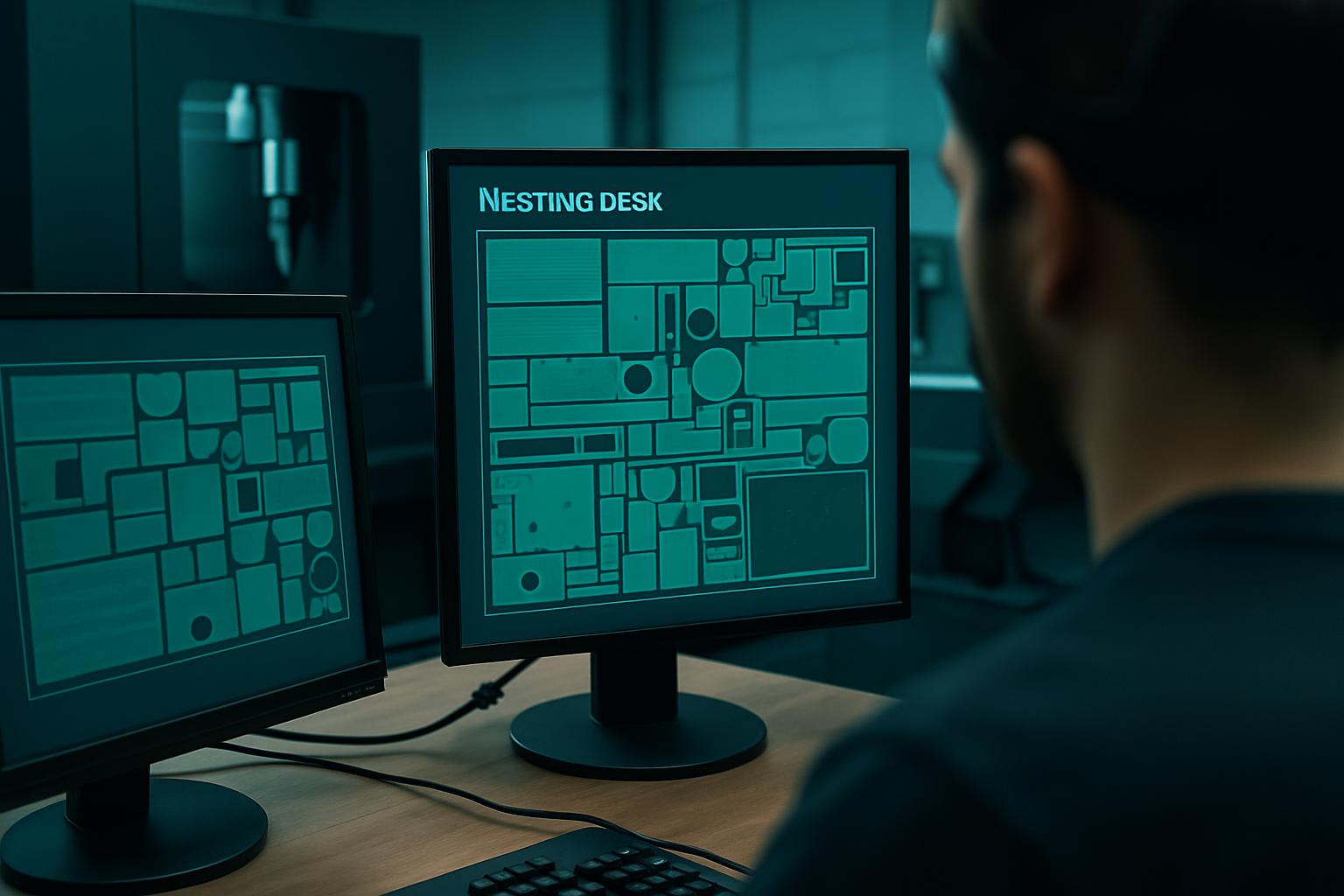
Before running your first batch on the NestCut CNC Panel, always do a dry run with offcut sheets to confirm alignment, label clarity, and part orientation. It’s common for new users to rush setup, only to find that a clamp or vacuum hold-down point was missed, leading to a skew nest or lost yield. Double-check your feed rates, especially if you’re switching between dense MDF and lighter foam board, as the wrong setting can burn edges or leave rough finishes.
A tip from our Germiston floor: after setting up, have your operator walk the sheet path and check that each label matches the part and remnant map, this avoids confusion at the next assembly stage. By catching these details early, you save time and prevent costly rework, especially when handling mixed or high-value stock.
Scrap eats margin on SA sheet jobs. NestCut keeps mixed SKUs honest with labelled nests and scrap reports.
| Engine | True-shape nest |
|---|---|
| Labels | Remnant maps |
| Input | DXF batch |
| Out | G-code + PDF |
| Compat | Precision Sheet Router |
The NestCut CNC Panel sits at the centre of high-yield sheet nesting for teams handling a variety of mixed materials, sizes, and runs. It’s designed for workshops and production bays where minimising offcut, labelling accuracy, and clear part orientation are not negotiable. You’ll find it in Gauteng fit-out shops, municipal project suppliers, and contract manufacturing bays from Polokwane to Cape Town. The NestCut CNC Panel’s key strength is its reliable default setup - not a boutique option, but a workhorse that keeps up with daily shifts and changing job cards.
You’ll often see the NestCut CNC Panel used for modular furniture, cabinetry, and signage where mixed SKUs need to be optimised on every sheet. It’s a tool for teams who want less scrap, cleaner part handoff, and settings that can be repeated without guesswork. If you are running aluminium, acrylic, or foam jobs, compare with Aluminium Plate Bay, AcrylicClear Cut, or FoamCore Nest for better material matching.
Production planners, workshop owners, and operations managers who need accurate, ready-to-assemble parts turn to the NestCut CNC Panel. On the Highveld, foremen and owners use it to match machine output to daily order mixes and shift changes. Coastal workshops check how the panel handles humidity and fast part turnover. In Gauteng, users value its steady performance during municipal outages or power cuts. Across the board, teams appreciate that it keeps the process predictable and repeatable when jobs and stock types change quickly.
We see procurement leads and senior operators turn to the NestCut CNC Panel range when the job mix means that neither a basic router nor a one-sheet-at-a-time workflow will keep the process efficient. These buyers want a unit capable of handling varied stock, from plywood to MDF to composite panels, with clear labels and yields mapped in advance.
Choosing the right CNC panel cutter is about starting with your true constraint. Before you shortlist, write down whether your limiting factor is floor space, power, operator skill, material type, or target run time. For example, if your part requires deep profiles in thick aluminium, the Aluminium Plate Bay may serve better. When you need precision on engineered plastics or close kerf checks, consider KerfCheck Lab or the Precision Sheet Router. For frequent batch changeovers or tight nesting, stick to the NestCut CNC Panel.
If noise, size or specialist fixture handling are core to your site, check VacuumHold Fixture or Prototype Cut Bay as alternates. Teams that skip this honest constraint mapping usually land up with delays, extra scrap, or a batch that needs too much bench cleanup after cutting. If you’re unsure, a walk through the machines overview or industries mapped can clarify which platform fits your jobs best.
The most frequent mistake we see in South African shops is forcing a project onto a machine that doesn’t fit the real constraint. That often means picking a panel cutter for a run that really needs fixture clamps, or chasing a high-end router when the job is just about quick nesting and easy label handoff. Other recurring issues include skipping the basic checklist: not capturing a clear constraint list, forgetting to send recent site photos, or not specifying the timing window before confirming a job.
Another pitfall is underestimating how mixed materials or sheet sizes affect both yield and setup. For example, switching between MDF and marine ply without documenting feed rates, spindle notes, or handling tips leads to rough edges or missed tolerances. Not every mistake needs a major fix, but logging what did not work, even in a single line, can save the next job from being repeated trouble.
Handoff matters as much as the cut. We document every programme, feed rate, or orientation note so second shift isn’t guessing. When trial runs or physical try-ons matter, you can arrange a visit to our Isando nest bay for a demo. If you’re placing a new order, start by emailing our contact form with two to three site photos, your city, your constraint list, and your preferred timing window. This information helps us match your project to the right machine and prevent the usual fit or spec issues.
Before you confirm a purchase, review a few blog case notes or live project examples. Seeing failed tweaks alongside successful handoff lets you skip common pitfalls and helps the next job run better. Remember, the right start saves time and reduces costly fixes down the line.
Verified Google reviews