
Blog

Scrap reports that finance trusts

Scrap reports turn the mess of leftover cut-offs into clear numbers your finance team can sign off. Here’s how we help South African workshops brief, track, and hand over remnant maps that actually match the real floor.

A real-world scrap reporting check

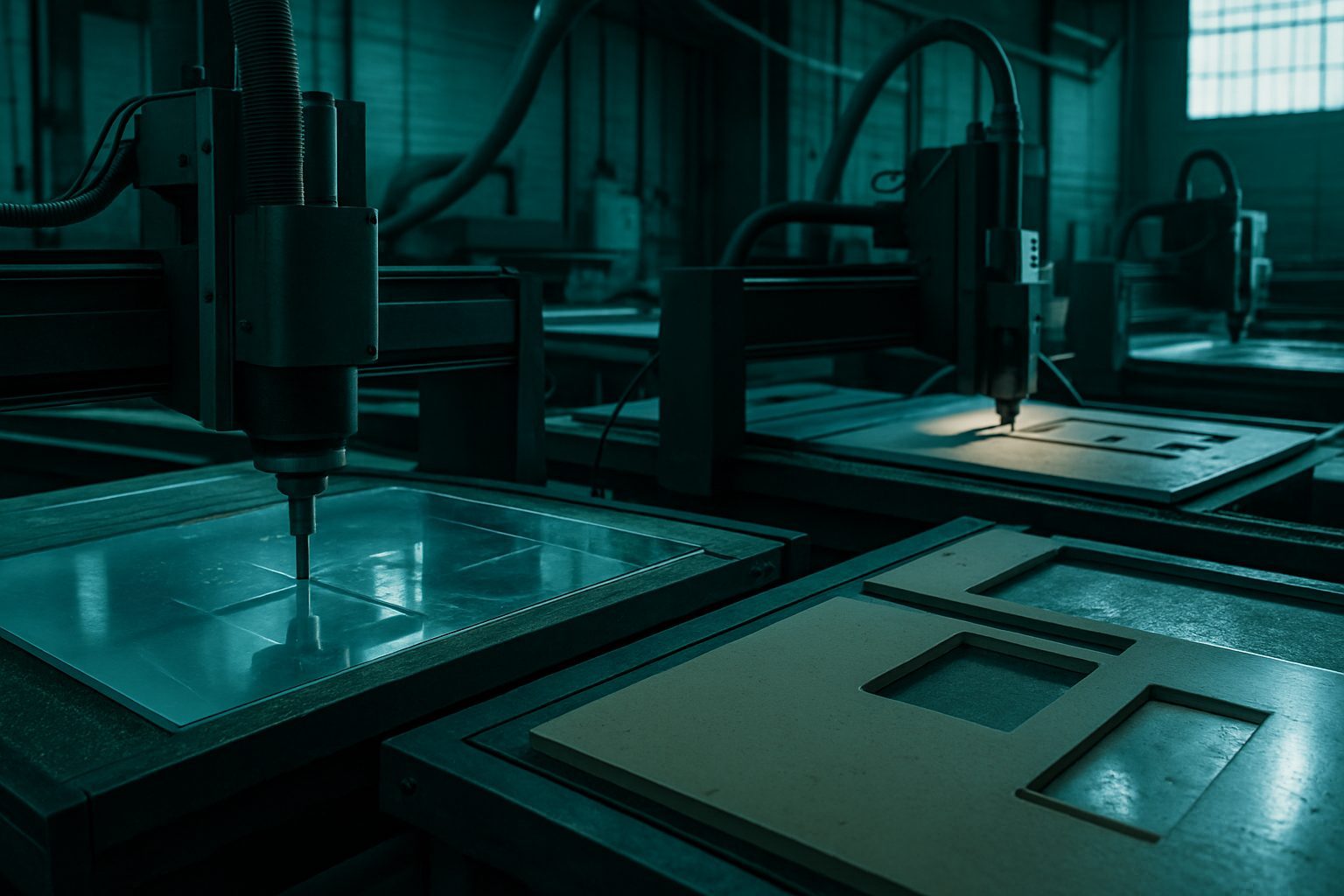
On a recent job in Pretoria, a joinery ordered a mix of MDF and white acrylic for custom signage. The foreman made sure the nesting file was double-checked before cutting began. After the job, the operator laid out every offcut over a marked grid on the bench and snapped photos next to a tape measure. The finance manager could then match each remnant to the original material order and sign off without needing a site visit. This step-by-step check stopped any disputes about leftover stock, especially important as the client was planning a repeat order for the next quarter.

A common mistake is not separating usable remnants from true waste. Marking each piece clearly by size and material type, and storing them in a dedicated rack, avoids confusion later. This practical approach means when finance or a contractor asks for proof, you have everything ready to show, no scrambling, no guesswork.

Keep exploring

Industries · Machines · Contact us.

What we recommend

Make scrap reporting a habit alongside MultiSheet Nest to keep your numbers tidy. If you want to see how this works on your own material, arrange a hands-on demo at Sunnyrock or your closest showroom. Seeing your own sheet mapped out in real time gives your team the confidence to trust the process.
What a scrap report is, and why it matters

A scrap report is a simple, documented map showing exactly what is left over after a cutting job - offcuts, remnants, and material loss. On South African floors, especially where sheet goods cost real money and storage is tight, a clear scrap record is not just about neatness. It allows your finance team to check the numbers against material bought, parts delivered, and what is left to re-use or write off. For workshops from Germiston to Durban, this often tips the difference between a one-off project and repeat work with a large customer. Without a scrap report, you are guessing whenever someone asks where the rest of that R15,000 aluminium sheet went.

Who needs this, and who does not

Finance and operations teams who must account for material spend, brief contractors, or manage stock benefit most from these reports. If your orders run over a few sheets or involve high-value materials - think ACM, plywood, stainless, or custom plastics - you will almost always be asked for a clean remnant picture. Workshops who run by the seat of their pants on one-off jobs may not need the detail. High-volume shops with integrated ERP sometimes have this rolled in, but for most South African SME floors from Isando to Pinetown, the request comes as an email from the financial director or workshop manager needing to balance accounts.

If your crew never gets follow-up queries on material usage, or no one checks leftovers against the original input, a formal scrap report might be extra admin. But if signoff, repeat business, or external handover matters, it pays to have it from the start.

How scrap reporting works in local practice

We begin by confirming the job constraint - what must be delivered, the sheet sizes, who takes delivery, and any non-negotiables on traceability or re-use. On most Gauteng or coastal jobs, before we switch on a CNC cutter, we note both the intended yield and how the leftover sheet might be logged, labelled, or returned. Once parts are nested and cut, operators record the remaining pieces (by dimension and usable area) along with odd-shaped offcuts. This goes into a one-page remnant map with numbers that finance, not just the foreman, can read.

Usually, we see this flow: the production lead gets a summary with the offcut map, then the finance person follows up with questions before material is written off or re-used. For clear communication, we keep the record simple, including photos or sketches when needed. If the job is being handed over to a contractor for install, the same page helps everyone know what material is left for potential rework or emergency adjustments.

If you want to see what this looks like in related jobs, have a look at our Industries and Machines pages for typical uses and setups.

A short worked example

A signage company in Gqeberha needs 14 panels cut from 3 mm white ACM, plus a note on offcuts for later patchwork. We receive the cut file, double-check the panel count, and clarify upfront how offcuts must be logged. After nesting for best yield, the CNC operator notes two main sheet remnants - one full corner (900 mm x 1200 mm) and a long strip (300 mm x 2400 mm) - and three irregular pieces too small for re-use. The final scrap report lists these with basic photos. The signage owner’s accountant then cross-checks sheet purchase against parts delivered and keeps the leftover map for the next job.

This stops debates about material loss when finance queries that quarter’s spend, and gives the owner confidence to accept future work knowing nothing was lost in the pile.

Preparing for a scrap report request

To help us deliver an accurate scrap report, gather your cutting or nesting files, material details, and any specific instructions before you contact our team. This preparation means we can get started straight away and keeps your project moving, even if a power cut or Highveld traffic slows things down.

Common pitfalls and how to avoid them

Unclear or incomplete input files are the main reason scrap reports end up confusing. If your DXF drawing is untidy, your scrap record will follow suit. Failing to agree from the start whether offcuts should be kept, recorded for audit, or discarded can also cause issues. This is especially important in coastal regions where humidity can affect materials quickly. Not naming who needs the final report leads to unnecessary email chains. Outages or last-minute changes can throw off your tracking unless everyone agrees upfront what will be measured. Set clear constraints from the beginning and confirm them with your whole team.

Set the constraint first, write it down, and confirm with everyone on the job. If you need tips on preparing your cutting files, see DXF hygiene for SA shops. For handling offcuts after the main cut, see Finishing after the cut.

Talk to Cut2Shape

Our contact form · Sunnyrock nest floor