Resource
A tidy DXF saves you hours on the floor and cuts quoting delays. Follow these steps to prep files that South African CNC shops can run straight onto the machine.
For a tailored pack, use our contact form.
This guide is for workshop leads, draughtspeople, and production managers who handle CNC or laser cut parts in Gauteng, Durban, Cape Town, Gqeberha or any region where fast turnaround matters. If you send drawings for cutting or run jobs through industrial parks, you will find this process saves time and avoids messy rework. Teams with in-house design capacity can use these checks before sending files to outside cutters. If you only work by hand or supply sketches for quoting, this guide won’t help, you’ll need the nest checklist or a scan instead.
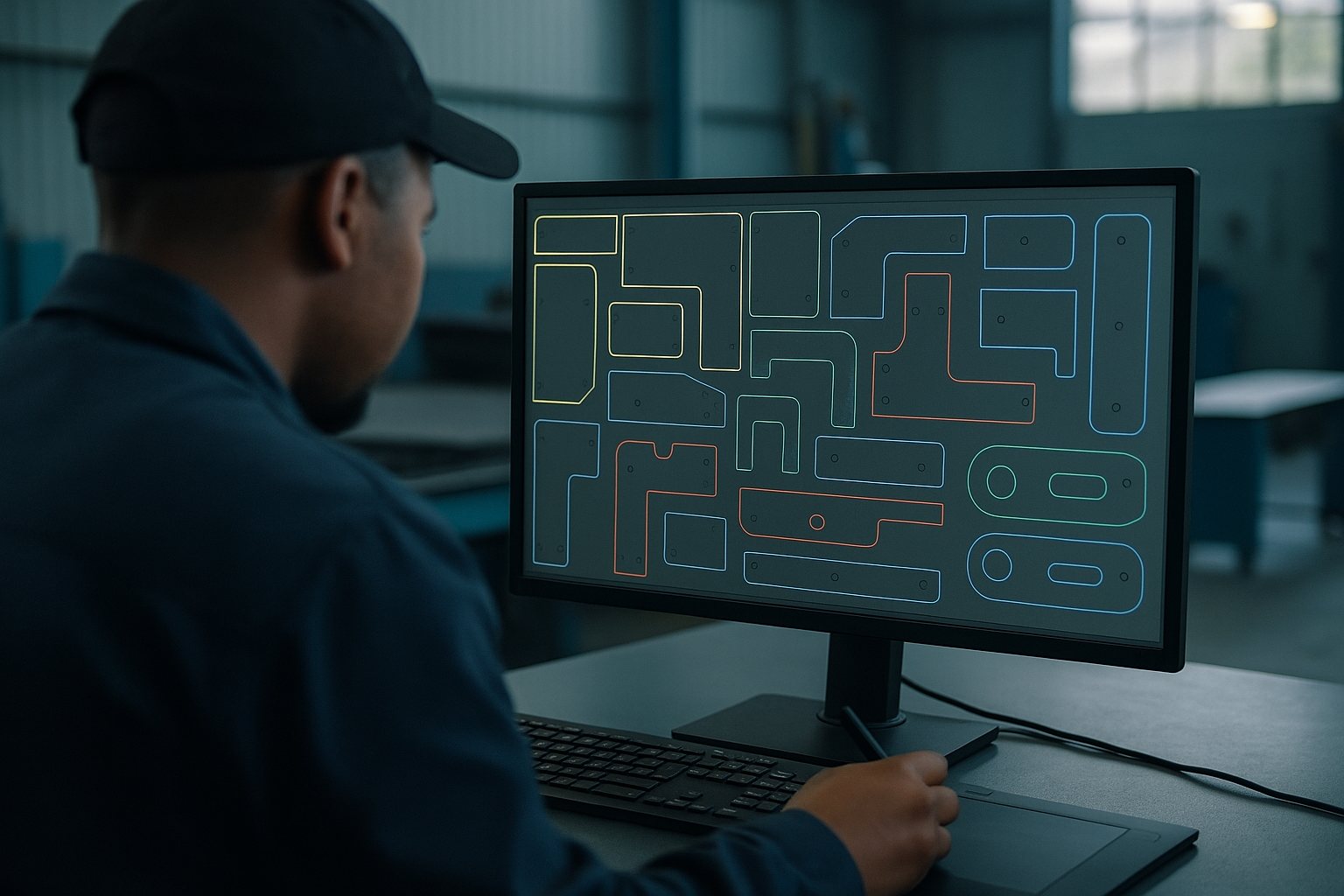
A DXF drawing tells the CNC machine where to cut, drill, or profile your parts on routers, lasers, or plasma tables. If your file arrives with mixed units, stray paths, or random layers that don’t match the cutter’s setup, you can expect wasted sheet, extra prep time, or a request for a redraw. This is especially true for materials like aluminium plate, marine ply, or polycarbonate where every minute on the machine counts. Keeping your DXF tidy and well-layered means your job can run straight through, even if there’s a power cut or if the next shift is picking up the work after hours.
When you follow these steps, your DXF parts will slot into a nesting layout without surprises, and spindle hours can start sooner. It also helps your workshop avoid mistakes with common Gauteng pitfalls like old software defaults, municipal template scales, or incorrectly named layers.
Every week we handle jobs that arrive with missing units, open paths, or files that bring up dialogues in the cutting CAM. Double-checking your DXF avoids back-and-forth and keeps your job off the Friday crunch list. Here’s what to cover before you send your order through our contact form:
A Gqeberha maker needs 50 anodised aluminium faceplates cut to spec. The draughtsperson exports a DXF and checks units (mm), keeps all the profiles on one 'CUT' layer, and closes every rectangle and circle fully. They remove all mark-up and notes from the drawing, then send both the DXF and a quick sketch through our contact form along with the material and quantity. Because the file opens clean and the layers are labelled, the operator in Germiston can load the job straight into the CNC software, nest the parts efficiently, and cut in the same session. This means less waiting, no late phone calls, and the parts arrive ready for the next operation.
We regularly see files where units are set to inches by mistake, or where shapes are drawn as lots of tiny segments instead of proper arcs. Open polylines and double outlines are common problems that cause extra cut time or dropped features. Splines sometimes cause the file to fail import on older machines. If you submit a file saved from unfamiliar software, check it carefully in a viewer on a Windows machine running 230 V mains, odd Mac fonts or region settings often break layer names. If you are unsure, ask our team or check the FAQ before sending your production files.
If your project needs tabbed assemblies, engraving, or embedded labels, please let us know upfront in your mail through our contact form. For complex nests or jobs that need shop visits, such as trial cuts for unfamiliar sheet types, organise a slot with our showroom booking notes or browse other resources for templates that suit your production style.