Resource
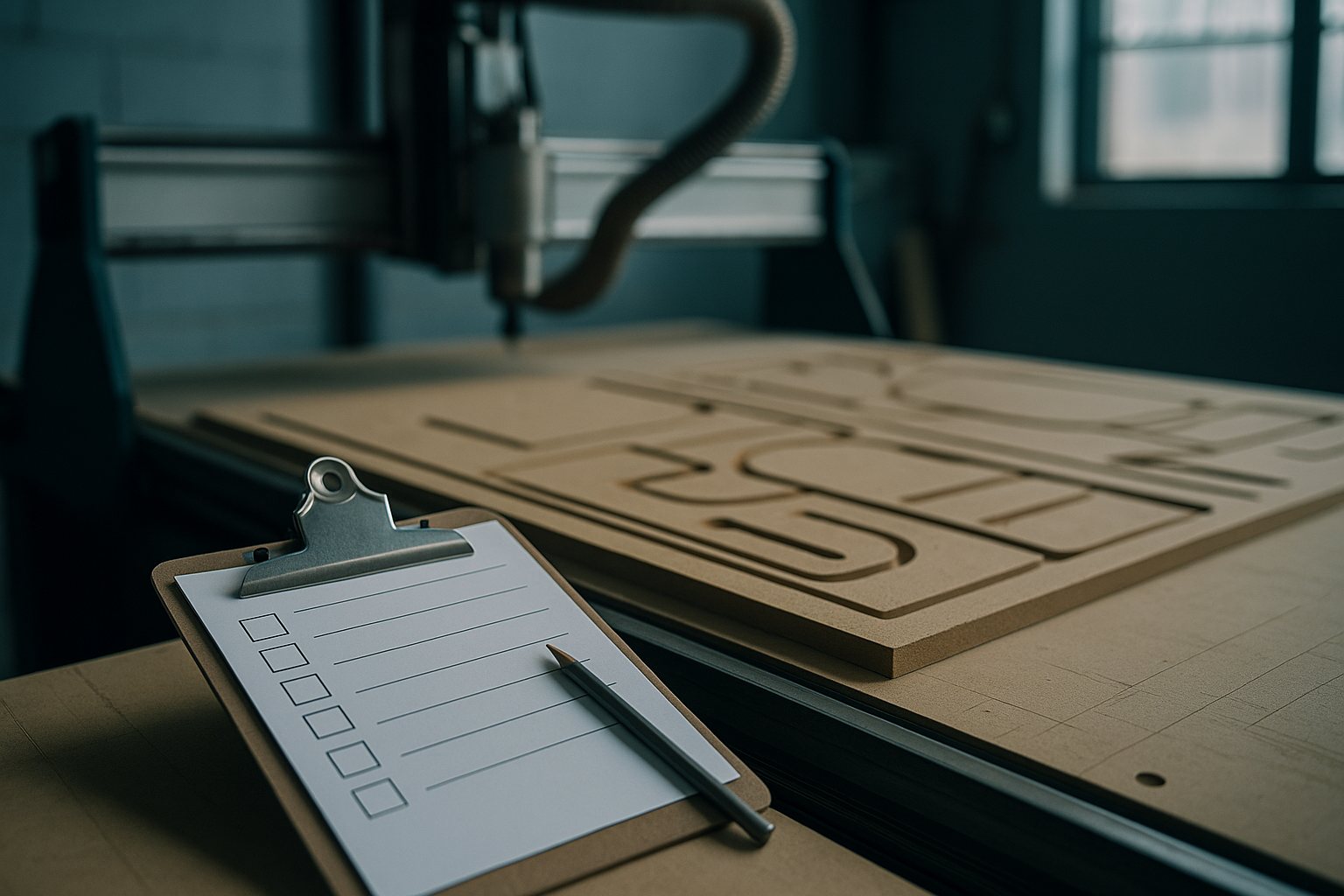
Before you send your nest for CNC cutting, run through this checklist to avoid delays and costly rework. We help SA teams hand off ready-to-run profiles.
For a tailored pack, use our contact form.
This checklist helps South African workshop teams spot common snag points before sending a nest for CNC profiling. It targets anyone preparing production intent files for aluminium, plywood, MDF, plastics or steel, whether for a local Gauteng floor or a remote plant in Gqeberha. The focus is on reducing post-cut cleanup, misfit parts and wasted sheet. Seasoned operators know dirty files can stall production and waste material. This checklist is not for architectural sign-off, decorative renders or one-off art with hand-tweaked geometry. For those, manual review is still best.
If you’re aiming to keep your nesting queue moving despite power cuts or municipal outages, or need parts ready for welding, powder coating or assembly as soon as they arrive, this checklist is for you. It’s also ideal for teams new to CNC outsourcing who need their handoff to match drawings and specs on the first try.
Workshop owners, factory supervisors and technical buyers who prepare DXF, DWG or compatible vector nests will get the best results here. The checklist works for teams with CAD or nesting software who already understand basic sheet layout. It suits repeat manufacturing, short runs for prototyping, or custom shopfitting parts. If you’re working from a hand sketch, app export or PDF, it’s best to reach out for a tailored workflow first. Small creative studios and schools with no access to CAD should send us a message through our contact form for the right starting point.
Run this list before you send your files through our contact form. A clean nest saves spindle hours, avoids extra bench time, and keeps your project on spec. Most weeks, we see the same snags: closed geometry, duplicate lines and unclear toolpaths. Fixing these now means your parts will fit together, not just look good in CAD. If you need a quick brush-up, our DXF hygiene guide covers file basics.
A Benoni signage contractor sends a plywood nest for a retail fit-out. The CAD operator checks for closed paths, assigns clear layers for engrave and profile, and notes ‘Birch 18mm’ on a visible info layer. Kerf offset is added for dowel joints. Before sending, the team confirms all non-cut lines are deleted, and files are zipped with the purchase order attached. On arrival, our workshop confirms the geometry loads clean, the nest fits a standard sheet, and the parts arrive on site ready for painting. A 10-minute review at the origin saves a full day’s patching after delivery.
If you’re unsure which machines suit your material or shape, browse our Machines hub or ask about recommended tooling when you email.
Before you send your files through our contact form, double-check your attachments. Include any packing lists, photos of physical templates if applicable, and the finished part application if it affects orientation or finish. If you have matched kerf logs or want to specify a tool from our Tool library starter, mention it in your mail. For repeat jobs, include your previous order codes to keep records consistent.
The main snags we notice from South African teams are: mixing up units (mm versus inch), missing material specifications, toolpaths running into clamp areas, or unclear job notes. Not nesting for local sheet sizes leads to unnecessary waste. Rushing file checks to beat an outage nearly always costs more time later. Take ten minutes to follow this checklist and you’ll save hours in rework and get cleaner, accurate cut parts.