Resource
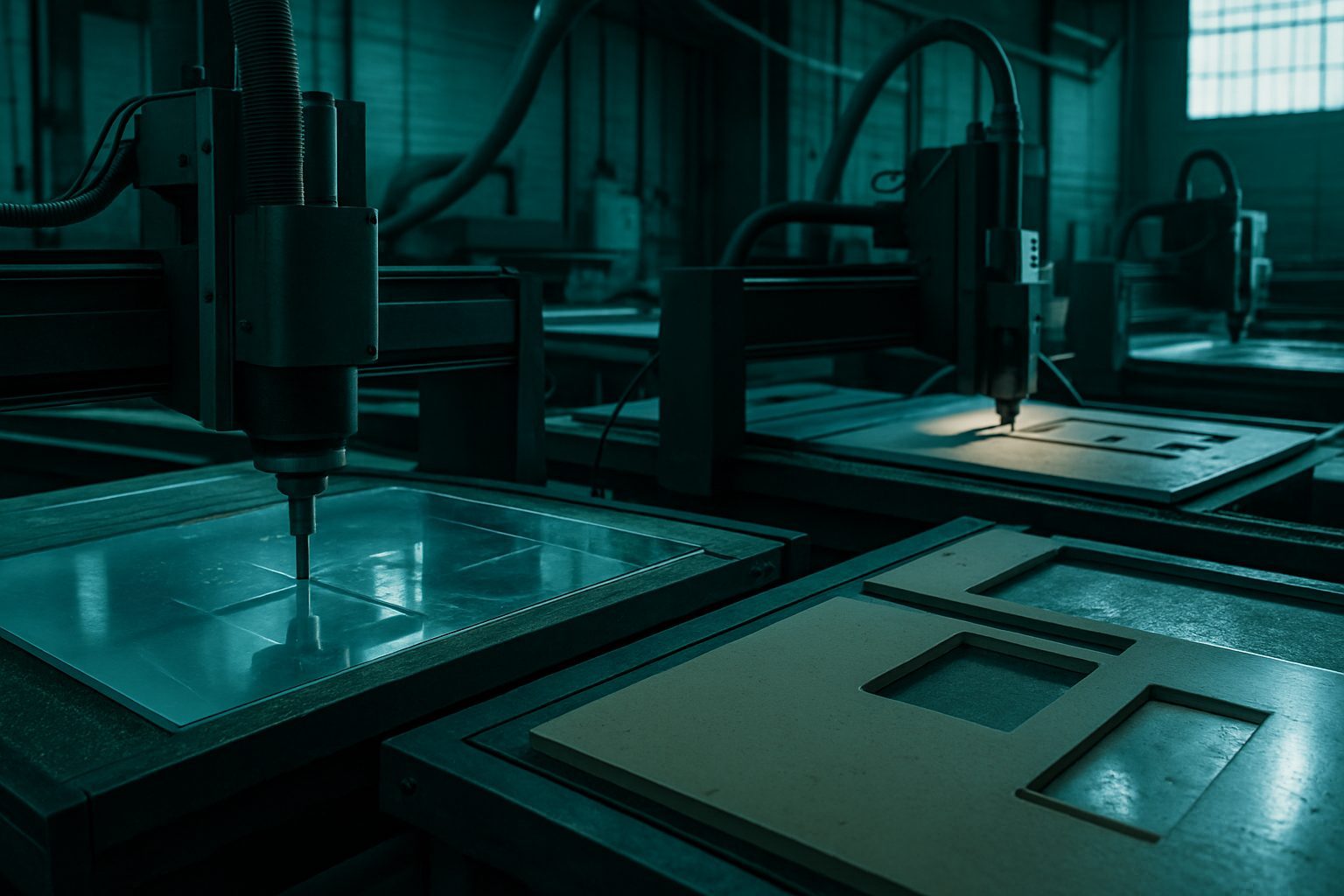
Use a power-cut queue card to keep your cutting floor running smoothly through outages. This practical card shows South African teams how to keep track of orders and avoid confusion when the electricity drops unexpectedly.
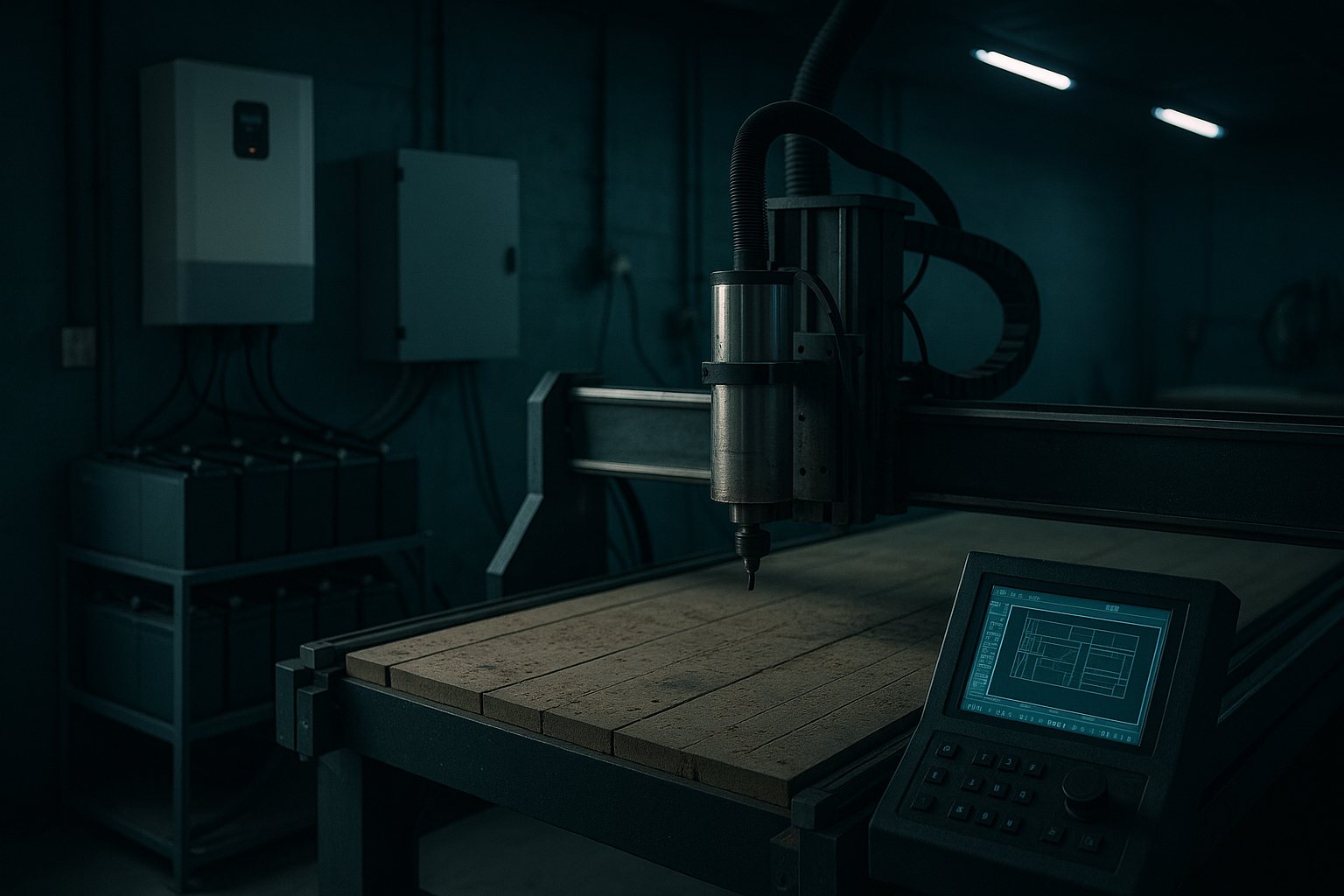
To get a customised queue card pack for your workshop, use our contact form.
A power-cut queue card is a hands-on tracking sheet for South African workshops, helping you keep every job in order, even when the lights go out without warning. Instead of relying on memory, you record each project step before, during and after an outage, so no job is missed when the machines start up again. It works best for shops running several CNC or profile cutters in areas that still see municipal faults, Eskom outages or load reduction.
Shops in Germiston, Gqeberha and across the country use this method to prevent confusion and wasted time when 230 V or three-phase supply is interrupted. The card is especially useful for operators managing several jobs across different shifts, where delays can cause a knock-on effect. If you only run one machine with a light job load, a queue card may just add unnecessary admin.
If your cutting bay serves customers who expect steady turnarounds, or you manage three or more concurrent jobs during the week, the queue card will help you keep production honest and jobs in order, no matter what Eskom throws at you. Workshop managers, foremen and operators in fabrication, signage, joinery or light engineering will get the most from this system. It is especially useful if you work with high-value materials where a lost cut means lost Rand.
On the other hand, sole operators handling low volumes or only cutting one or two jobs at a time can usually keep things moving with a basic notebook or mental list. For small shops, the extra paperwork may not justify the time.
When the power drops, all open jobs are listed on the queue card in order of arrival or urgency. As soon as supply returns, the operator resumes work using the queue as a guide, focusing on the most time-sensitive or complicated projects first. The process is as simple as updating the status, paused, active, finished, against each order. This helps avoid skipped steps or half-finished parts that might otherwise sit forgotten behind a stack of remnant panels.
Picture a typical Friday on the Highveld: four jobs are waiting, two aluminium signage panels, one mild steel bracket batch for a Boksburg fitter, and a plywood top for a Pretoria carpenter. When the power goes at midday, the operator marks all jobs as paused, and notes which were mid-cut. When the electricity returns two hours later, the card ensures the in-progress signage is completed first before moving to the brackets, so every client’s timeline stays as accurate as possible.
Before asking us for a tailored card set, take stock of how you currently track your queue. Are you jotting down project status, or just keeping it in your head? Make a list of the sheet materials and machine types you use when power is out. If your team works shifts, describe how you hand over unfinished jobs. This info lets us tweak the card or checklist to fit your routine.
Send a message through our contact form with your notes and any special details, such as if you need extra fields for project comments or customer order numbers. For more tips, see our DXF hygiene guide and FAQ for CNC sheet work.
The biggest mistake is forgetting to update the card once the power is back, which can cause double work or half-done parts. Another common pitfall is overcomplicating the card with too many columns or codes, these slow things down when the floor is busy. Some teams try digital tracking, but laptop batteries often do not last through several cuts. For most South African workshops, a paper queue card stands up best to power cuts and dust.
Leaving the card out of sight, such as pinned behind a pile of offcuts, also invites errors. Keep it visible near your machine hub or main operator bench, and train every team member to keep it current. See our compact bay footprint guide for more tips on organising physical workflow.