
Blog

From STEP to nest

We take your STEP files and turn them into nest layouts that match South African shop-floor realities. Get clear, practical handoff from CAD to ready parts with no guesswork.

Avoiding common nesting errors

One mistake we see is sending STEP files that do not include all the part layers or features needed for the cut, which can cause confusion or missing details on the shop floor. Before submitting a file, double-check that every slot, hole and edge is present and correctly named. Another local reality is that sheets can arrive slightly warped from humidity or transport, especially near the coast, so nests should allow for a small buffer on critical dimensions. Always confirm the actual sheet size and flatness before finalising your nest. These checks help prevent wasted material and save your team from last-minute surprises when the job is already on the machine.

Workshop context

Bridging CAD intent to shop-floor G-code.

What we recommend

If you’re moving from CAD to production, combine this workflow with a Prototype Cut Bay run and book a demo at Sunnyrock or any of our regional locations to see your actual sheet nested and cut. Nothing beats seeing your own job proofed on the machines you’ll use.
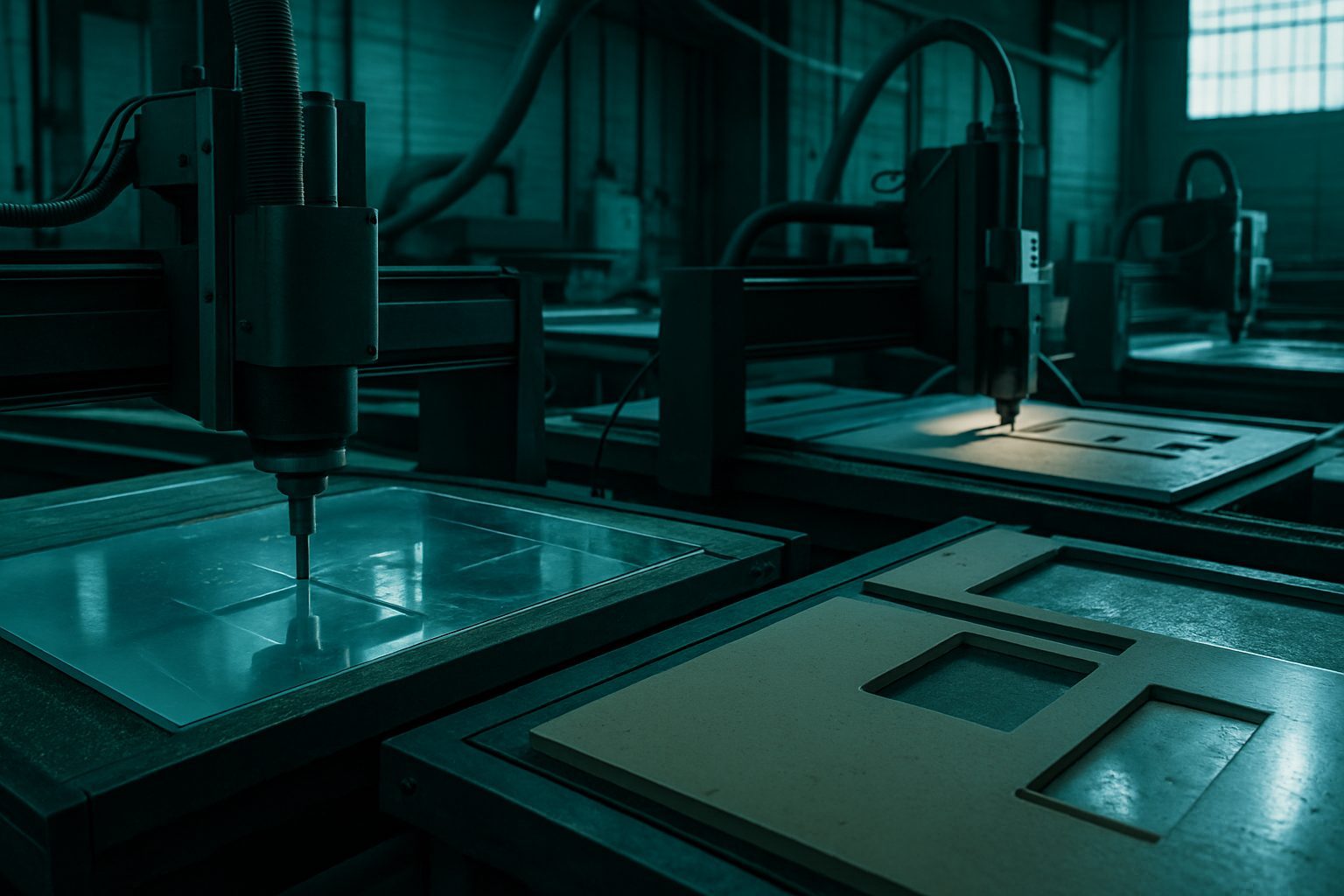
What 'from STEP to nest' means on South African floors

‘From STEP to nest’ describes how we take your design file and turn it into a cutting plan that works for real South African workshops. While your STEP file holds the geometry, it does not explain how to arrange, orient or process those parts for a Joburg or Cape Town floor. We bridge that gap, converting your data into a ready nest with clear shop instructions, machine choices, outage planning, and sign-off points. If you want to brief once and get parts that go straight into assembly, this approach is for you.

Teams that only design for presentation, or where parts will be hand-finished with unpredictable tools, may not need this level of detail. It is for those who want consistent, shop-ready nests that reduce operator rework and second trips. We see requests from manufacturing coordinators in Gqeberha, site teams in Mbombela, and contractors from industrial parks across the Highveld who want to save on late-stage corrections.

Who gets the most from this handoff, and who doesn’t

Our STEP-to-nest process is ideal if you run repeat work, need precise tolerances, or want to hand over files to another team or shift without confusion. If you manage a busy floor with tight deadlines or oversee multiple bays affected by power cuts or vehicle scheduling, this method saves hours and avoids mixed-up instructions. It fits both in-house CNC operations and those who outsource their cutting.

If you are making prototypes with hand tools, tweaking every piece on the fly, or your drawings change every morning, this process might slow you down. It is not for jobs where every part is unique, or drawings arrive in a format no workshop can open without a week of rework. For advice on matching process to scale, see our industries guide or email the team.

How the workflow bridges CAD to the shop

We begin with your STEP file and a concise brief outlining access, delivery timing (including any expected power cuts), available machines, and the sign-off process. The operator checks these details against the workshop layout and picks the best machine, whether it’s plasma for thick mild steel, CNC routing for marine ply, or laser for stainless. Then we nest the parts for best material use and throughput, always thinking ahead to your next operation, be it coating, welding or packing.

Finally, we export G-code or machine files plus a handover sheet, so the next crew does not spend an afternoon deciphering someone else’s intent. Our practical order of work prevents confusion at 06:00 on a cold morning in Germiston or after a hot shift in Durban. For more detail on our machines and their fit, see our cutting bay overview.

A short worked example from a real job

A furniture maker in Gauteng sends through a STEP file for powder-coated brackets. The brief points out a tight delivery window, bakkie-only access, and a production manager’s sign-off. We review the file, clarify hole size and finish, and nest the parts to minimise waste on a 2.4-metre aluminium sheet. Grain is aligned for strength and we generate G-code tuned to the available CNC router, so the brackets come off the bed ready for coating with no extra edge work.

On delivery, the brackets land ready for powder coating, with no edge rework needed. The handover sheet matches the install sequence so the workshop crew can bolt up and pack by midday. This job would have lost hours if the brief had not named constraints and sign-off early.

What to prepare before you email and common pitfalls

Preparing the right info before you email stops most back-and-forth and speeds up quoting. The single biggest pitfall is missing or vague process constraints, teams that skip these steps usually pay in rush fees or site delays. Another common trap is sending files in formats that do not carry full geometry or have missing data, or forgetting to specify who signs off. It’s always quicker to ask what matters than to guess and quote a polished wrong answer.

If you want a walkthrough or have a tricky set of requirements, mention 'From STEP to nest' when you send a message through our contact form. For more shop-floor lessons, read our blog or see notes like Kerf coupons that keep nests honest and Finishing after the cut.

Talk to Cut2Shape

Our contact form · Sunnyrock nest floor