
Blog

DXF hygiene for SA shops

South African CNC shops lose hours on messy DXF files. Here’s how clean layers, correct units and closed paths deliver parts that fit and save time.

How humidity and heat affect DXF outcomes

On the Highveld and in coastal towns, climate can throw a curveball at CNC jobs if your DXF file is not spot on. For example, in Durban’s humidity, MDF or foam sheets may swell slightly. If your DXF has open paths or unclear dimensions, that swelling turns a near miss into a real fit problem when you assemble parts on site. Always check the file’s geometry and close every curve, especially if your shop is cutting for installation in a different region.

A simple check before sending: print your DXF at 1:1 scale and overlay it on your stock sheet. If the outline or holes don’t match up, there’s a file error or a scaling problem. Fix it before you mail, and you’ll avoid costly rework, especially in areas where temperature swings or coastal moisture can shift material size by a millimetre or two.

Keep exploring

Industries · Machines · Contact us.
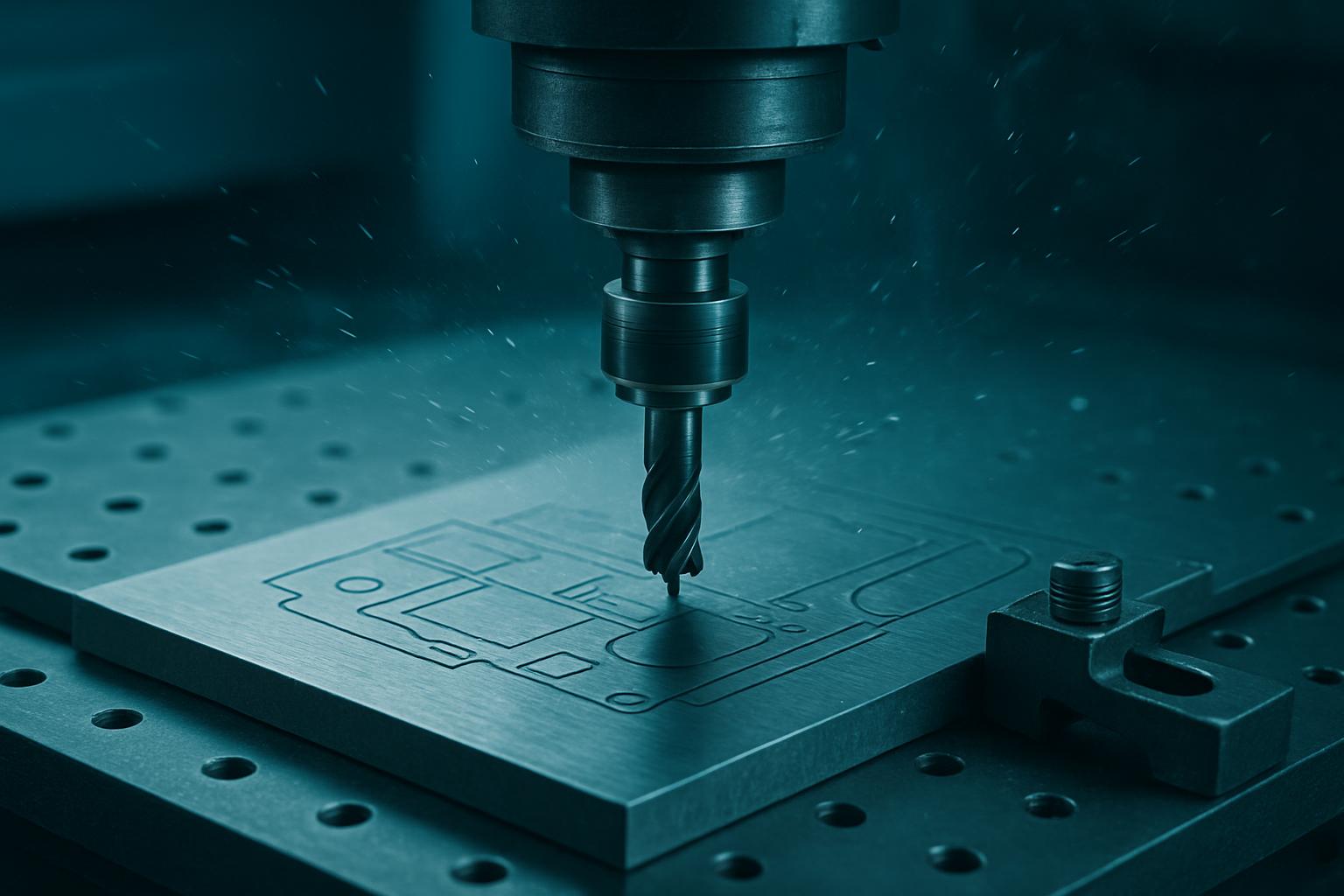
Workshop context

Layers, units, and closed paths that save afternoon hours.

What we recommend

Make this a habit alongside our Precision Sheet Router. If you want to see the difference clean files make, bring your own drawing to Sunnyrock or any regional showroom for a hands-on demo on your material.
What DXF hygiene means for South African shops

DXF hygiene means getting digital files ready so a CNC machine can cut parts without delays, wasted sheets or extra work at the bench. In Gauteng, Cape Town, Durban or Gqeberha, it’s about using organised layers, setting units to millimetres and making sure every path is closed. When files are tidy, the machine can nest, profile and cut without anyone stopping to fix broken lines or guess what the drawing means. Shops that focus on file hygiene get quicker turnarounds and avoid miscut parts, which really counts when power cuts or outages interrupt the day.

This approach suits workshop owners, production managers and teams who want less time fixing drawings and more time building. It is not for casual DIY projects where a hand-cut is good enough or where workshop teams are guessing measurements off WhatsApp screenshots.

When DXF hygiene matters most

Messy files double the hours spent between email and the finish bay. South African teams running CNC routers, laser tables or plasma cutters often see the same snags: duplicate lines costing material, open contours leaving cuts incomplete, and random units causing scaling errors. In the Eastern Cape, if a door crew sends an untidy file, someone pays for the second sheet. In Johannesburg, a metal shop running three-phase will stall production on unclear files, losing a whole shift when the drawing is wrong.

For repeat jobs or jobs split between sites, good DXF hygiene lets you brief any contractor, any time, without extra meetings. You get a clear handoff from drawing to cut part. When every minute on the spindle counts, clean files save actual rands.

A typical worked example

A team in George emails a DXF for twenty aluminium plates, each with four mounting holes and a custom profile. Their file arrives with everything on one layer, inches as units and two open curves. Our operator pauses the job, emails back for clarification and asks for closed paths and millimetres.

The customer reworks their file: profiles go on one layer, holes on another, units in millimetres, and all shapes closed. We run the nest, cut the plates, and they fit first time on the customer’s jig. No extra bench work for burrs or resized holes. The workshop owner saves a sheet, half a day, and the install runs on schedule.

Checklist: what to prepare before you email

Before sending your DXF to us, run through this checklist. It covers the details that matter for a smooth handoff.

If anything is unclear, mention your main process constraint in the email, power, access, size or who signs off. We will ask plain questions if something is missing.

Common pitfalls to avoid

The most frequent file problems we see are accidentally using inches instead of millimetres, leaving curves open so the machine cannot complete the cut, stacking multiple outlines on top of each other, or mixing engraving with profile lines on one layer. Each costs hours on the floor. A missed unit change means a 100 mm bracket is cut as 100 inches.

Another pitfall is skipping the planning step. Always write down your process or site constraint before picking a finish, machine or toolpath. If that step is fuzzy, the whole job risks a costly redraft or unfinished parts. Save yourself a rush fee and an extra trip to the Highveld by checking files first.

Where to go from here

You can see more practical cutting tips in our Blog or explore how proof pieces before full nests work in South African shops. If you need a detailed walkthrough, send a message through our contact form and mention 'DXF hygiene for SA shops.' Our operators answer from Isando nest bay most weeks.

For industry-specific advice, visit Industries, or see the machines relevant to your part on Machines.

Talk to Cut2Shape

Our contact form · Sunnyrock nest floor